OpenArt: Tutorials, Prompts, Use cases
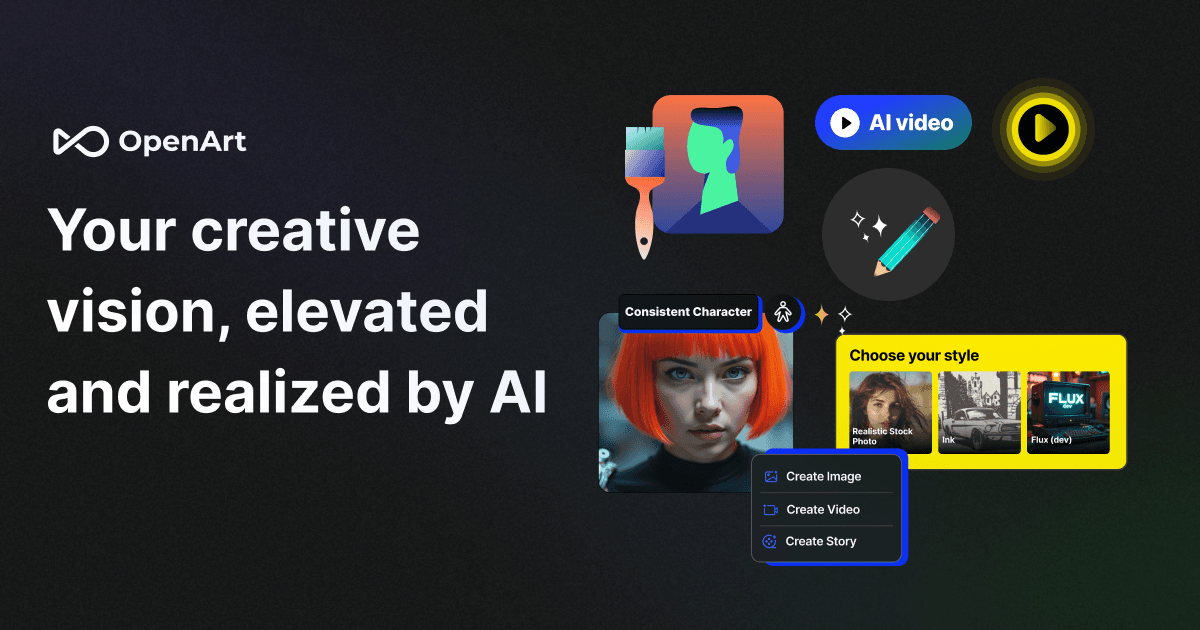
All-in-one AI creative studio for images, video, music, and models.
OpenArt provides a unified platform to access over 100 industry-leading AI models from Google, OpenAI, and Seedance. It offers advanced creative controls for cinematic video generation, consistent character building, and professional-grade image editing.
Features
- Multi-model AI video and image generation
- Precise camera angle and motion control
- Consistent AI character and influencer builder
- AI music and voice cloning tools
- Video relighting and background replacement
- High-resolution image upscaling and unblurring
- 3D world generation from 2D images
- Reference-based motion synchronization
OpenArt Launch Demos


OpenArt Tutorials


 Affiliation
 OpenArt
 Wade McMaster - Creator Impact
 Diary Influencer
 OpenArt
 OpenArt
 Affiliation

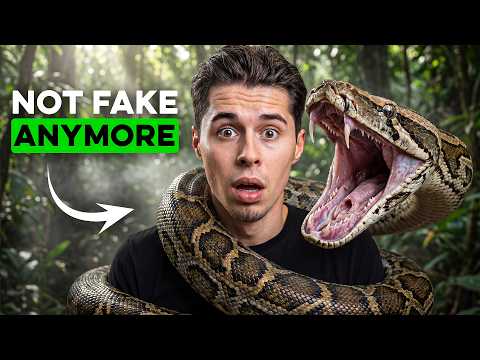

 Isa does AI
 Dan Kieft
 Youri van Hofwegen
 Thomas Creates
 Andrei Ai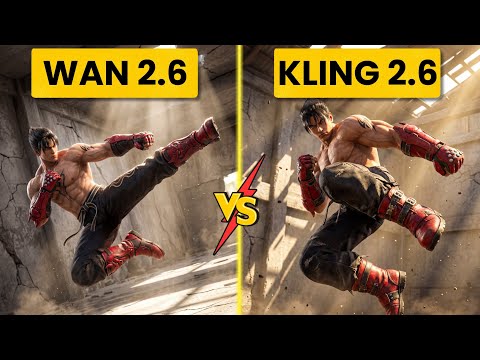
 Ai Chemy
 Youri van Hofwegen
OpenArt Courses
OpenArt Prompts
OpenArt Alternatives

Create cinematic AI videos and images with advanced character consistency.
A user-friendly online video editor with AI-powered tools and stock assets.

AI-powered video editing software for professional results on desktop and mobile.

Professional video editing, color correction, visual effects, and audio post production.

AI-powered video and photo editor for trending social media content.

Next-generation AI creative studio for high-fidelity video and image generation.

AI-powered video creation and editing integrated with Google Workspace.

Intuitive video editing software with powerful AI-driven creative tools.

AI-powered video and audio editing as simple as editing a document.


Next-generation AI for high-fidelity video generation and world simulation.

AI-powered video creation platform for professional filmmaking and social media content.

Edit short-form videos 10x faster with AI-powered automation and captions.

Create professional AI videos with lifelike avatars and instant voice dubbing.

The ultimate AI creative suite for video, image, and audio generation.

An AI-powered creative studio for cinematic video and image generation.

Transform text and photos into high-quality AI-generated videos and viral content.

An all-in-one AI-powered video editor for effortless professional content creation.

AI-powered video creation and editing platform for social media and marketing.

Cinematic-grade video enhancement and upscaling powered by advanced AI models.

AI-powered video generation platform for social ads and ecommerce creatives.

AI-powered video creation from text, scripts, and blog posts.

All-in-one AI video generator for text, images, and reference-based content.

Free web-based screen recorder with templates and real-time collaboration.

Convert text, images, and videos into high-quality AI animations and art.

Create professional AI videos 10x faster with avatars and realistic voices.

All-in-one AI generator for shoppable UGC and viral social videos.

Create high-converting video ads using realistic AI actors and avatars.

The #1 AI video platform for creating studio-quality videos with avatars.
Google’s multimodal AI assistant for writing, planning, and creative brainstorming.

A comprehensive AI-driven platform for end-to-end cinematic video production.

Turn long-form videos into viral short-form clips with generative AI.
AI-powered video enhancer for upscaling footage to 4K and 8K resolution.

AI-powered video enhancement for upscaling, denoising, and colorizing low-quality footage.

An AI-powered creative agent for professional video, image, and avatar generation.

AI agent that turns one prompt into platform-ready video content.
The fastest path from prompt to production with Gemini models.
An AI-powered video editor that automates the entire content creation workflow.

AI-powered online video maker and editor with professional templates.

AI-powered creative agents that plan, generate, and refine professional workflows.

The official mobile video editing app for YouTube creators.

An advanced conversational AI with real-time knowledge and unfiltered responses.

All-in-one AI creative platform for high-quality video and image generation.

All-in-one AI video generator powered by leading generative models.


TikTok’s AI-powered creative studio for end-to-end video production and optimization.
A high-speed multimedia toolkit to convert, edit, and burn video content.
End-to-end AI video generation from scripts, voice, and brand assets.
The fastest path from prompt to production with Gemini models.

Transform text, scripts, and blog posts into videos with AI voices.

Free AI-powered platform for high-quality image and video generation and editing.
AI-powered platform to generate high-converting video and image ads at scale.

AI-powered video creation platform for brands and social media content.

All-in-one AI platform for video, music, and voiceover creation.

Generative AI platform for personalized visual marketing and high-fidelity video production.

AI-powered collaborative video editor for modern creators and marketing teams.
AI-powered podcast production tool for transcripts, show notes, and social clips.

All-in-one AI workspace for creation, learning, and professional productivity.

Create AI-generated images, cinematic videos, and face swaps for free.

The official community-driven leaderboard for ranking and comparing top AI models.
AI-powered text-based video and audio editing for faster content creation.

A comprehensive AI creative suite for video, image, and audio generation.

Advanced generative AI tools and foundational models for creative expression and productivity.

Create professional AI videos and viral effects from text or images.
An AI creative agent for strategizing, ideating, and executing multimedia content.
AI-powered platform for studio-quality animation and live-action video creation.

The fastest generative media platform for developers and enterprise scale.
Controllable AI video generation for turning photos into viral animations.
AI-native cloud infrastructure and advanced multimodal models for enterprise growth.

Next-generation AI assistant for safe, accurate, and complex reasoning tasks.
Create AI-powered avatar videos and photo animations with a single click.

All-in-one AI creative studio for video, image, and audio production.

Multilingual 3D talking head generation with high-accuracy lip synchronization.

An all-in-one AI-powered creative platform for photo and video editing.
A comprehensive AI studio for multimodal understanding and content generation.
Patented AI video maker for turning text and audio into professional content.

An AI-powered creative platform for advanced image and video generation.

AI-generated video creation platform for interactive digital humans and avatars.
Create professional AI-generated videos using text-to-speech and realistic digital avatars.
Multimodal AI for conversational video generation and advanced media editing.
An AI-powered video editor that lets you edit footage like text.
Create professional content quickly with all-in-one AI-powered design tools.

Create AI-powered short videos featuring realistic digital clones and avatars.

Transform single photos into viral AI-powered videos and social media content.

AI-powered toolkit for comprehensive video and audio processing and editing.

Studio-grade AI video lipsync and visual dubbing for any content.
AI-powered data repair tool for corrupted videos, photos, and documents.

Professional remote recording studio for high-quality podcasts and video content.
AI-powered intellectual property development and digital reading ecosystem for global creators.

High-quality creative assets for video creators and filmmakers.

AI-powered video generation studio for cinematic text-to-video and image-to-video creation.
Turn long videos into viral short-form content with one click.

Fast and intuitive video editing software for professional-quality movie creation.

An all-in-one AI assistant powered by the GLM-5 large language model.
Cinematic AI video generation with precise multi-keyframe control and scalable workflows.

Create complete, long-form AI videos up to 50 minutes long.
All-in-one AI platform for professional image and video creation and enhancement.
A free, web-based screen recorder for capturing high-quality video and audio.
A single API for 300+ multimodal AI video, image, and LLM models.

Create studio-quality videos with lifelike AI avatars in minutes.
Frontier multimodal AI models for coding, video, and agentic automation.
Animate 3D characters for games, films, and interactive experiences instantly.


A browser-based tool to trim, crop, and rotate video files.
Industrial-grade AIGC video generation model for cinematic quality content

Transform ideas into professional-quality videos using Google Gemini AI.
Create professional videos instantly using AI avatars, templates, and text-to-video tools.
Enterprise AI platform for building data-driven agents, dashboards, and automated workflows.

A complete, cross-platform solution to record, convert, and stream audio and video.
Free professional-grade video editing and visual effects software for creators.
The #1 AI-powered photo and video generator for viral social content.

An agentic AI platform for end-to-end recruiting efficiency and precision.

Create, collaborate, and deliver professional presentations across devices.

Record, edit, and share narrated screen recordings on ChromeOS
Free live streaming studio with multistreaming and webcam splitting capabilities.
A smart and reliable AI assistant for personal productivity and creativity.

Secure cloud storage and collaboration with zero-knowledge end-to-end encryption.
Free, uncensored AI tools for image generation and video animation.
OpenArt Use cases
What is OpenArt?
OpenArt is an all-in-one AI creative platform founded by ex-Googlers in San Francisco. Unlike tools that lock you into a single engine, OpenArt aggregates leading models from Google, OpenAI, and Seedance. It is designed for creators who need a single dashboard to handle everything from initial concept art to 5-minute cinematic videos. According to our data, it is most frequently used for high-control visual tasks like maintaining character consistency across different scenes.
Popular Use-Cases and Real Demos
Our catalog of 182 clips shows that OpenArt is a powerhouse for motion and character work. The most common tasks include:
- Image to Video (25 clips): Animating static images into moving sequences is the top use-case. Users often select motion models like V3 to bring portraits to life.
- Text to Video (19 clips): Generating cinematic clips directly from prompts, often used for social media "shorts" or trailers.
- AI Person Generator (15 clips): Creating realistic human characters that remain consistent across multiple generations.
- AI Inpainting (13 clips): Editing specific elements within an image, such as changing clothes or adding objects, without regenerating the entire frame.
Other notable workflows include Video to Video (11 clips) for restyling footage and AI Lip Sync for creating talking-head videos from audio tracks.
How to Get Started with OpenArt
To begin, users typically sign up for a free account to receive daily credits. The workflow generally follows these steps:
- Model Selection: Choose from the model list at the top of the dashboard. High-quality models like Nano Banana Pro or Flux are recommended for better intelligence and consistency.
- Prompting: Enter your description. For better results, use the Auto Polish feature to optimize your text. If you are creating a character, use the @ symbol to reference specific saved personas.
- Image Guidance: Upload a reference image to control pose or composition. This prevents the AI from moving subjects to the wrong side of the frame.
- Generation: For video, review the storyboard before committing to the full generation to ensure visual consistency.
Tips and Common Pitfalls
Based on real tutorial findings, here is how to get the most out of the platform:
- Hyperrealism: Include specific details like "visible pores" or "glowing skin" in your prompts to avoid a flat look.
- Consistency: Generate your location as a separate asset first to give the model a concrete reference point.
- Resolution: Be aware that higher resolution settings may revert to 1K if the selected model doesn't support 4K.
- Audio: If you want to avoid YouTube copyright flags, select "No background music," though be aware the system occasionally adds it regardless.
- Quality: Avoid "Ultra mode" if you are worried about detail loss, as it can cause significant smoothing across the image.
OpenArt Alternatives
If OpenArt doesn't fit your workflow, several alternatives offer specialized features:
- Leonardo AI: Offers deep creative control and is a top choice for game asset creation.
- Krea AI: Known for real-time generation and an infinite canvas for ideation.
- Midjourney: Remains the standard for high-aesthetic concept art, though it lacks OpenArt's integrated video editing tools.
- Kling AI: A strong alternative for high-definition, physics-based video generation.
Frequently asked questions
Is OpenArt AI free?
Yes, OpenArt offers a free trial plan with daily credits and no credit card required. Paid plans are available for users who need higher quality exports, longer video generation, and access to premium models.
Who owns OpenArt AI?
OpenArt is an independent startup based in San Francisco. It was founded by a team of ex-Googlers who wanted to create a unified platform for generative art enthusiasts.
How do I use OpenArt for beginners?
Beginners should start by exploring the dashboard and using the 'Auto Polish' feature to refine simple prompts. It is recommended to use the storyboard tool for video projects to check consistency before spending credits on a full generation.
Can I sell art made with Open Art AI?
Yes, you may use, modify, and distribute images created on OpenArt for commercial purposes. The platform generally requests proper attribution to OpenArt or the human artist where applicable.
How do I edit a video in OpenArt?
While OpenArt has tools for Video-to-Video and Lip Syncing, it does not support traditional timeline editing like cutting or adding transitions. For those tasks, users typically export their OpenArt clips to software like CapCut or DaVinci Resolve.
Is OpenArt AI safe and legit?
Yes, OpenArt is a legitimate platform used by millions of creators. It allows users to bypass certain content boundaries found in other tools (like generating celebrity portraits) while providing a secure environment for training custom models.
How do I cancel my OpenArt subscription?
You can manage your account through the Settings menu. To fully remove your data, go to 'Manage Account' and select 'Delete My Account & Data.' Note that this action is permanent and erases all generated images.