Lusha: Tutorials, Prompts, Use cases
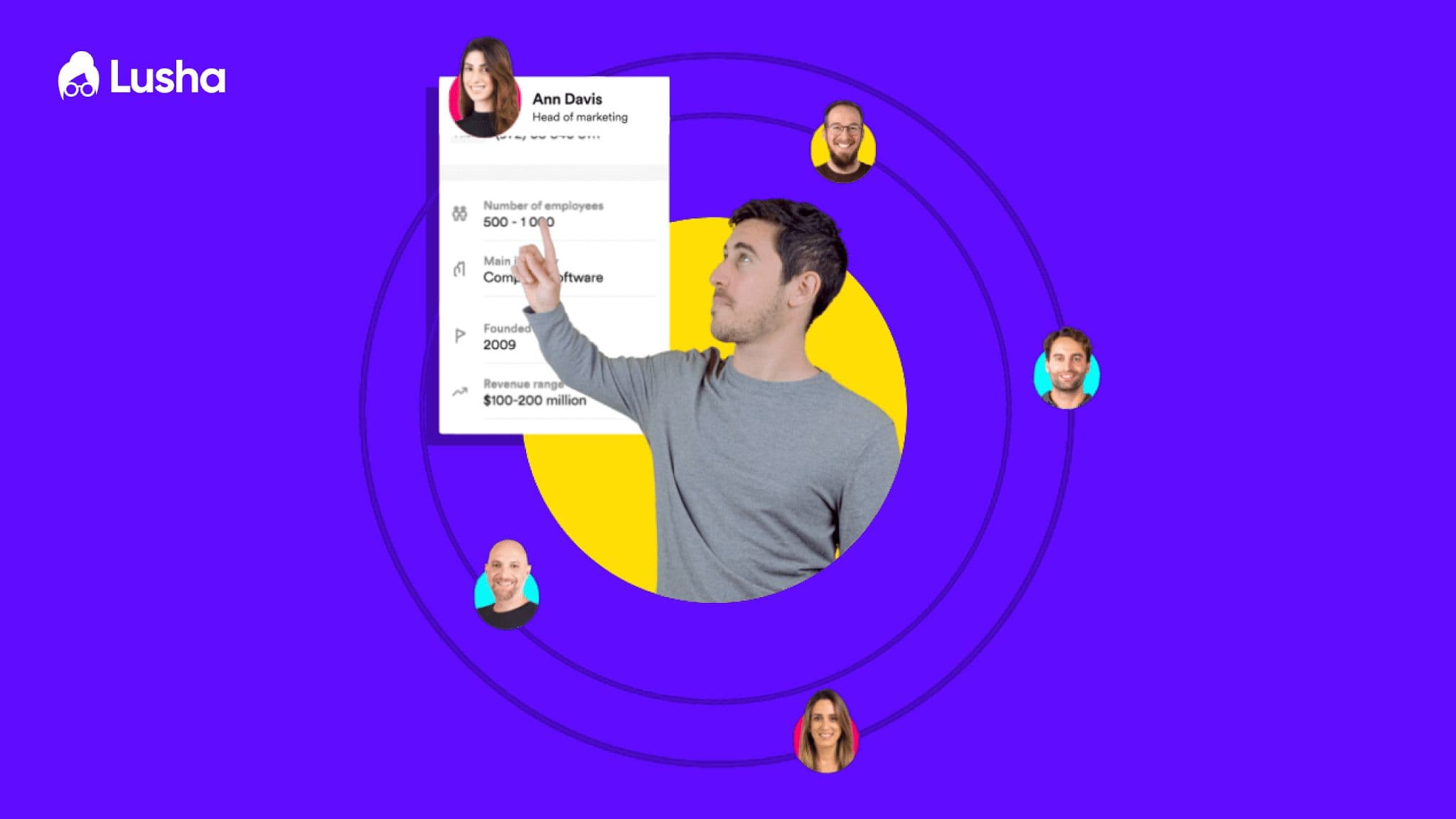

B2B sales intelligence platform for finding accurate contact and company data.
Lusha provides sales and recruitment professionals with verified business emails and direct phone numbers to streamline prospecting. The platform integrates directly with CRMs and web browsers to identify key decision-makers and enrich lead profiles instantly.
Features
- Verified direct-dial phone numbers
- Business email address discovery
- LinkedIn browser extension
- CRM data enrichment
- Advanced company search filters
- Intent data insights
- Automated prospecting workflows
- GDPR and CCPA compliance
Lusha Tutorials

 Prospeo

 sampath vuchuru
 Simple Answers
 Lusha
Lusha Lusha
Lusha
 Answer ASAP
 Answer ASAP
 LeadLoft
 Kenzo SaaS
 Answer ASAP
 Answer ASAP
Lusha Alternatives

The easy-to-use sales CRM designed to help teams close more deals.

Scale cold email outreach with AI-powered lead generation and automated deliverability.

Scale personalized outbound and GTM automation with AI-powered data enrichment.

The AI-powered sales platform for prospecting, lead generation, and deal automation.


Scale cold email outreach with AI-powered deliverability and unlimited mailboxes.

Automate LinkedIn and email outreach to generate more replies effortlessly.

Scale LinkedIn outbound with unlimited sender accounts for one fixed cost.

A comprehensive go-to-market platform for B2B intelligence and sales engagement.

All-in-one platform for cold outreach and lead generation automation.

Agentic AI platform for revenue orchestration, prospecting, and deal management.

Automated LinkedIn and email outreach for high-converting sales sequences.

Professional-grade irrigation solutions for residential, commercial, and agricultural landscapes.

The leading AI-powered revenue orchestration platform for sales and customer success.

AI-powered sales engagement platform for multichannel outreach and lead generation.

Advanced sales prospecting tool for targeting, tracking, and engaging B2B leads.

The world's safest LinkedIn and email omnichannel outreach automation platform.

AI-powered live conversation platform to supercharge sales activity and pipeline.

Comprehensive email verification with 99%+ accuracy and real-time API integration.

Premium sales intelligence and compliant B2B data for global pipeline growth.
AI-powered sales platform for automated prospecting, outreach, and meeting scheduling.

The all-in-one white-label sales and marketing platform for agencies.

Real-time email verification and list cleaning to improve deliverability.

Automate lead generation and data extraction across major social media platforms.

AI-powered LinkedIn outreach and lead generation platform for scaling sales teams.

AI-powered outbound platform for personalized multichannel outreach at scale.

Multichannel sales engagement platform for cold email, LinkedIn, and calling outreach.

Human-powered AI sales acceleration for 10x more live decision-maker conversations.

Lusha Use cases
What is Lusha?
Lusha is a sales intelligence tool designed for sales, recruitment, and RevOps professionals who need to identify and reach decision-makers. It functions primarily as a browser extension and a web-based dashboard that provides verified business contact information. Unlike broad databases, Lusha is frequently cited for its high accuracy in providing direct-dial mobile numbers, making it a favorite for teams focused on cold calling and direct outreach.
Real-World Use Cases
Based on our catalog of 25 demo clips, users primarily leverage Lusha for these high-impact tasks:
- Building Lists from ICP Filters (9 clips): This is the most common use-case. Users define their Ideal Customer Profile (ICP) using filters like seniority, department, and company size to generate a targeted prospect list.
- Syncing Leads to CRM (5 clips): Efficiency is key in sales. Demos show how to push contact data directly into platforms like Salesforce, HubSpot, or Pipedrive without manual data entry.
- Finding Verified Work Emails (4 clips): Users frequently use the Lusha Chrome extension to reveal and verify email addresses while browsing LinkedIn or company websites.
- Identifying Decision-Makers (3 clips): Sales teams use the tool to map out target accounts and find the specific individuals—such as VP of Marketing or RevOps leaders—who hold purchasing power.
- Intent Data (1 clip): A more advanced use-case involves identifying accounts that are actively researching solutions in your category.
How to Get Started with Lusha
To begin, most users sign up for a free account using their work email. The first step is typically installing the Lusha Chrome Extension. Once installed, you can navigate to any LinkedIn profile and click the Lusha icon to reveal the contact's phone number and email.
For bulk prospecting, the Lusha Flex Search dashboard allows you to run queries like "VP Sales in New York" and apply filters to narrow down the results. Once you have a list, you can use the "Enrich" tab to upload a CSV of existing leads and have Lusha automatically fill in missing contact details.
Tips and Common Mistakes
- Manage Your Credits: Lusha operates on a credit-based system. One credit is typically used to reveal one contact's details. Users on the Free plan receive 40 credits per month, so it is important to filter your ICP strictly before "revealing" data to avoid wasting credits.
- Verify Before Sending: While Lusha is known for high accuracy, tutorials suggest always checking the "last updated" or verification status within the tool to ensure the data is fresh.
- Privacy Compliance: Lusha is GDPR and CCPA compliant. However, some users on platforms like Reddit note that personal data can occasionally be caught in B2B scrapes; it is a best practice to respect opt-out requests immediately.
Lusha Alternatives
If Lusha doesn't fit your budget or specific region, several alternatives are popular in the sales tech space:
- Apollo.io: A strong all-in-one alternative that combines a massive database with built-in email sequencing.
- ZoomInfo: The enterprise standard for deep organizational charts and intent data.
- Cognism: Often preferred for European prospecting due to its strict GDPR compliance and phone-verified data.
- Kaspr: A popular choice for LinkedIn-heavy workflows with strong European coverage.
Frequently asked questions
What is Lusha used for?
Lusha is used by sales and recruitment teams to find verified B2B contact information, including direct phone numbers and work emails. It is primarily used to build prospect lists, enrich CRM data, and identify decision-makers at target companies.
How many free credits do you get with Lusha?
Lusha typically offers a Free plan that provides 40 credits per month for a single user. These credits allow you to reveal contact details for prospects you find on LinkedIn or through the Lusha dashboard.
Is Lusha part of LinkedIn?
No, Lusha is an independent company, but it offers a popular Chrome extension that works directly on top of LinkedIn and LinkedIn Sales Navigator to reveal contact data from those profiles.
How do I use the Lusha Chrome extension?
After installing the extension from the Chrome Web Store, navigate to a prospect's LinkedIn profile. Click the blue Lusha icon on the side of your screen to reveal their verified email and phone number, which you can then save to a list or your CRM.
Is Lusha legal and GDPR compliant?
Yes, Lusha is generally considered legal and maintains GDPR and CCPA compliance. It aggregates B2B data and provides an opt-out mechanism for individuals who wish to have their information removed from the database.
How does Lusha pricing work?
Lusha uses a credit-based pricing model. Paid plans like Starter and Pro range from approximately $37 to $52 per user per month when billed annually, with higher tiers offering more credits and advanced CRM integrations.