0:431:53Remove objects with Photoshop Generative FillThe user demonstrates how to select and remove a hand from a product photo using Photoshop's Generative Fill and the Object Selection tool to isolate the product.Photoshop· AI Object Remover/Eraser
2:420:39Generative Fill in Adobe FireflyA brief walkthrough of using the web-based Adobe Firefly interface to upload an image and use the 'Insert' and 'Remove' tools for generative editing.Adobe Firefly· AI Inpainting
3:534:04Generate product scenes with Mokker AIThe creator demonstrates uploading a product image to Mokker AI, selecting a 'strawberry' template, adjusting props on the canvas, and generating a professional background using the Iris model.Mokker· AI Product Photography
8:483:07Retouch product lighting with Fooocus AI InpaintThe user uses Fooocus AI's 'Improve Detail' inpainting mode and the Segment Anything Model (SAM) to mask a bottle and apply a 'smooth red surface' prompt to fix harsh reflections.Fooocus· AI Inpainting
12:391:44Upscale and sharpen images with Fooocus AIThe demonstration shows how to use the upscaling tab in Fooocus AI to increase image resolution and add sharpness to environmental details in a product shot.Fooocus· AI Image Upscaler

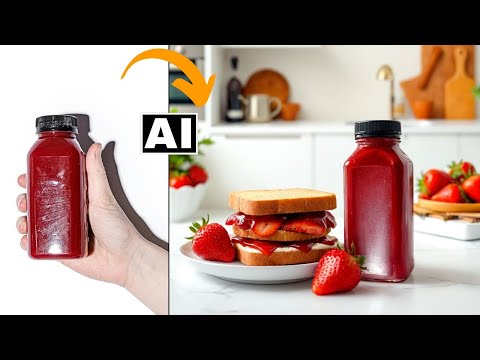 0:431:53Remove objects with Photoshop Generative FillThe user demonstrates how to select and remove a hand from a product photo using Photoshop's Generative Fill and the Object Selection tool to isolate the product.Photoshop· AI Object Remover/Eraser