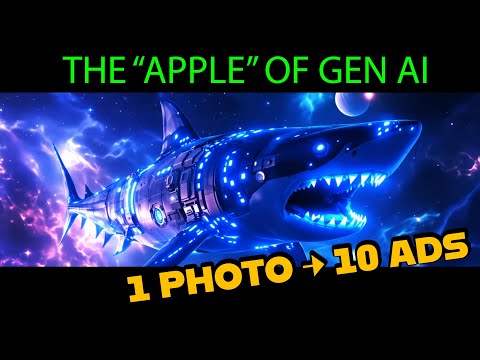
2:000:51Generate images with Imagine Art 1.5 and Flux 1.1The user demonstrates generating a sci-fi shark image using the in-house Imagine Art 1.5 model and then switches to Flux 1.1 Ultra to compare the high-quality outputs.Imagine.art· Text to Image
3:030:29Animate images with Kling 2.6 ProThe creator uses the Kling 2.6 Pro model within ImagineArt to animate a previously generated image, utilizing the preview mode to test motion before final generation.Imagine.art· Image to Video
3:470:32Create product mockups using ImagineArt AppsThe user demonstrates the 'Apps' section by uploading a 2D logo and using presets to generate realistic product shots in various environments like space and cityscapes.Imagine.art· AI Product Photography
5:230:30Upscale and animate imagesThe video shows the built-in enhancement tools to upscale a static image and convert it into a video using the platform's animation models.Imagine.art· Image to Video
5:570:52Text-to-video generation with Kling 2.6 ProThe user generates a sci-fi video from a text prompt using the Kling 2.6 Pro model, demonstrating the inclusion of AI-generated sound.Imagine.art· Text to Video
6:490:47Image editing and compositionThe creator demonstrates the edit tool by uploading a logo and a portrait, combining them into a new composition, and then animating the result.Imagine.art· AI Image Combiner
7:362:24Automate product photography with ImagineFlowA detailed walkthrough of the ImagineFlow visual workflow builder, showing how a single headphone photo is processed through nodes to generate five different marketing campaign styles automatically.Imagine.art· AI Product Photography

 2:000:51Generate images with Imagine Art 1.5 and Flux 1.1The user demonstrates generating a sci-fi shark image using the in-house Imagine Art 1.5 model and then switches to Flux 1.1 Ultra to compare the high-quality outputs.Imagine.art· Text to Image