Create a talking AI avatar with VEED Fabric

 Veed
Veed
Demo summary
The video demonstrates the step-by-step process in VEED to generate an AI avatar by uploading a photo or selecting a preset, then adding a script via text-to-speech or voice recording.
Step-by-step
- Click New Project
- Go to the Video tab on the left sidebar and select Generate
- Upload a photo of yourself, select a preset avatar, or upload a character image
- Enter your script via text input or record your voice using the microphone
- Wait for the AI to generate the video
Options
- Upload a clear photo of yourself to create a clone
- Select from a library of realistic preset avatars
- Upload an image of a character
- Use the AI text-to-image generator to create an avatar from a prompt
- Record your own voice for a voice clone instead of typing text
Watch out for
- Uploaded photos must be clear, facing the camera, and have good lighting
Tips
- Use the AI text-to-image generator to create an image from a simple text prompt
Highlights
“You have a clear sounding, naturallooking AI avatar ready to go.”
AI Avatar Video Generator
 1:042:54Create a talking AI avatar with VEEDThe user selects a preset character (Oliver), inputs a script, chooses a voice model (Alex Wright), and generates a talking head video clip.AI Guy
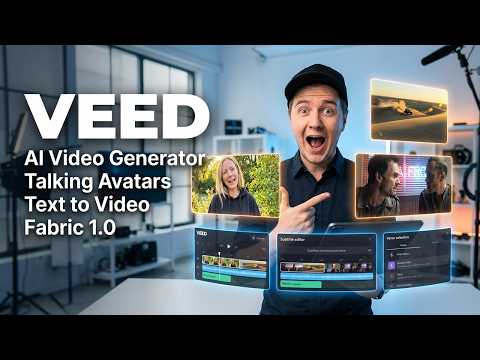 0:340:55Create a talking AI avatar with VEEDThe user selects a character named Wiki, inputs text, chooses a voice, and generates a video with realistic lip-syncing and mouth movement using VEED's AI avatar feature.Eigi and AI
- 1:390:23Animate an avatar with custom audio in VEEDThe demonstration shows uploading a custom audio clip to VEED to drive the lip-sync and animation of an AI avatar character.Eigi and AI
 13:051:32Using AI Avatars in Veed.ioThe user explores the AI Playground in Veed.io to access the AI avatar feature and attempts to generate a video using a text prompt within the video editor.Agrollo Reviews
 1:211:48Animate a photo into a talking video with VEED Fabric 1.0The user demonstrates uploading a personal photo and an audio file to VEED, selecting the Fabric 1.0 model to generate a realistic talking avatar video.Mike Dee
- 1:560:45Create a talking AI avatar with VEED FabricCurrentThe video demonstrates the step-by-step process in VEED to generate an AI avatar by uploading a photo or selecting a preset, then adding a script via text-to-speech or voice recording.VEED STUDIO
 1:161:32Generate AI avatar video from text with VEED.ioThe user demonstrates entering a text prompt for a YouTube short about Earth facts and selecting an AI avatar (Maya) and caption style (RZ) within the VEED.io interface.Greg Preece