Using Gentube creation menu and style filters
 GenTube
Demo summary
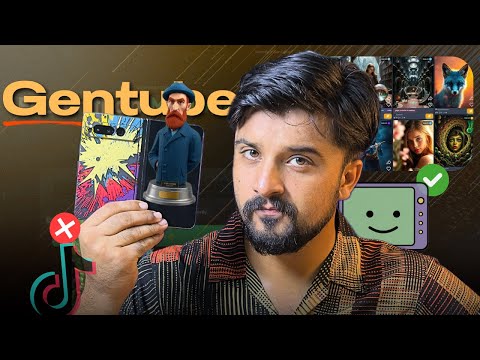
The demonstration shows the creation bar where users enter prompts and select parameters such as city, place, and time to refine AI image results.
Step-by-step
- Log in with your Google account
- Locate the create bar menu
- Enter your prompt into the create bar
- Select desired parameters from the side menu such as city, place, or time
- Generate the image
Options
- Select different styles from the side menu
- Choose specific categories like city, place, or time
- Generate wallpapers, research pictures, or AI art
Watch out for
- You must log in with a Google account to use the tool
Tips
- Use the tool to see the work of other people to understand what others are creating
All demos from “Create Ai Images Unlimited & Free in 2025 | Gentube🔥Ai Photo Generator / Editor.”
- 1:470:58Generate AI wallpapers and art with GentubeThe user demonstrates how to input prompts and select styles like anime, realism, or cyberpunk in Gentube to generate custom wallpapers and AI art.GenTube· AI Wallpaper Generator
- 5:060:32Using Gentube creation menu and style filtersCurrentThe demonstration shows the creation bar where users enter prompts and select parameters such as city, place, and time to refine AI image results.GenTube· AI Image Generator
- Watch “Create Ai Images Unlimited & Free in 2025 | Gentube🔥Ai Photo Generator / Editor.” →
AI Image Generator
 1:462:29Generate AI images using the block system in GenTubeThe creator demonstrates how to use GenTube's block system to select art styles, locations (like Jade City), and subjects (like a steampunk woman) to generate high-quality images in seconds.Desire
 2:341:17Using the GenTube 'Swiping' slot machine interfaceThe video shows a unique UI in GenTube where users can lock specific attributes like lighting or layout and 'swipe' to randomly generate new variations of an image.Dom the AI Tutor | Tech Tutor Zones
- 4:040:23Enhancing prompts with the Beautify toolThe user demonstrates the 'beautify' feature in GenTube, which automatically expands a simple prompt into a more detailed, high-quality version to improve the output image.Dom the AI Tutor | Tech Tutor Zones
- 6:220:42Remixing community images in GenTubeThe user explores the community feed, selects an image created by another user, and uses the 'play' and 'remix' functions to modify it with new prompt elements.Dom the AI Tutor | Tech Tutor Zones
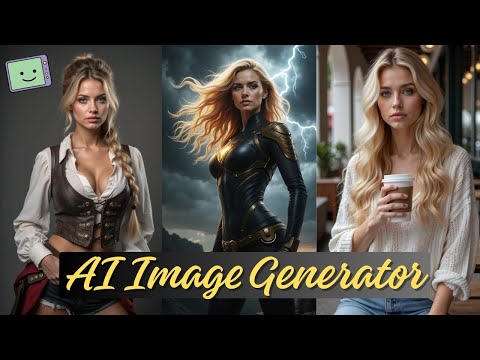 4:131:31Using Chain Blocks for character and scene buildingThe demonstration covers 'chain blocks' to define subjects and places (like a city or beach) to maintain consistency across generated images.Fahed Zaman
- 5:060:32Using Gentube creation menu and style filtersCurrentThe demonstration shows the creation bar where users enter prompts and select parameters such as city, place, and time to refine AI image results.Mr Raza
 9:330:34Beautifying prompts with LLM enhancementThe 'beautify your image' feature is shown, which uses a backend LLM to expand a simple prompt like 'sports car' into a highly detailed, lengthy prompt for better results.SECourses