Generate AI wallpapers and art with Gentube
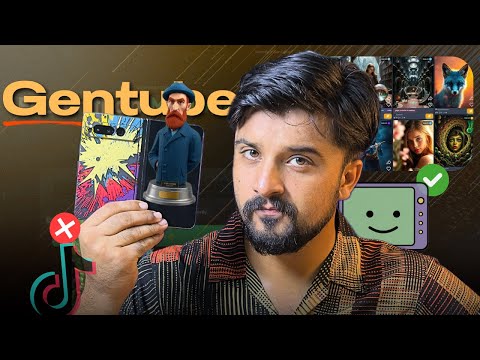
 GenTube
Demo summary
The user demonstrates how to input prompts and select styles like anime, realism, or cyberpunk in Gentube to generate custom wallpapers and AI art.
Step-by-step
- Navigate to the Create section
- Enter a text prompt for the desired image or wallpaper
- Select a style preset such as Anime, Realism, or Cyberpunk
- Generate the AI art or wallpaper
Options
- Choose from 8 to 9 styles in Gent style or Gen Blocks
- Select Minimalism or Abstract styles for wallpapers
- Download and use wallpapers created by other users
Watch out for
- Any creation you make is public and visible to all other GenTube users
Highlights
“you can get anything generated by giving any prompt”
All demos from “Create Ai Images Unlimited & Free in 2025 | Gentube🔥Ai Photo Generator / Editor.”
- 1:470:58Generate AI wallpapers and art with GentubeCurrentThe user demonstrates how to input prompts and select styles like anime, realism, or cyberpunk in Gentube to generate custom wallpapers and AI art.GenTube· AI Wallpaper Generator
- 5:060:32Using Gentube creation menu and style filtersThe demonstration shows the creation bar where users enter prompts and select parameters such as city, place, and time to refine AI image results.GenTube· AI Image Generator
- Watch “Create Ai Images Unlimited & Free in 2025 | Gentube🔥Ai Photo Generator / Editor.” →