0:500:59Generate base images with Dzine AIThe user demonstrates how to use the text-to-image tool in Dzine AI, selecting the 'Nano Banana Pro' style and setting canvas aspect ratios for a base scene.DZine AI· Text to Image
1:530:33Edit scenes using Dzine AI Chat EditorThe video shows the Dzine AI chat editor being used to modify character poses, adjust actions, and swap backgrounds without regenerating the entire image.DZine AI· AI Inpainting
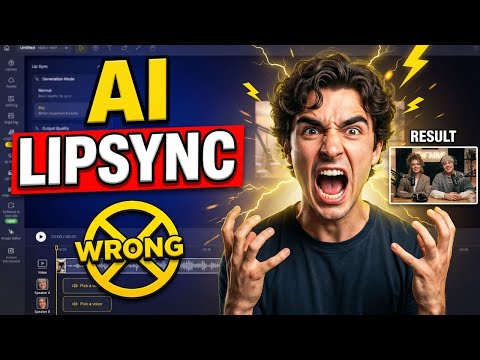
3:021:08Multi-character lip sync in Dzine AIThe demonstration shows how to assign voices to specific characters, arrange audio clips on a timeline to prevent overlapping dialogue, and generate automated facial movements.DZine AI· AI Lip Sync Generator
4:100:16Enhance animation with Dzine AI Pro ModeThe user activates 'Pro Mode' in Dzine AI to add natural head motion, body movement, and expressive gestures to the lip-synced characters.DZine AI· AI Animation Generator

 0:500:59Generate base images with Dzine AIThe user demonstrates how to use the text-to-image tool in Dzine AI, selecting the 'Nano Banana Pro' style and setting canvas aspect ratios for a base scene.DZine AI· Text to Image