2:450:29Create and name a new project in ClipchampThe user demonstrates how to start a new video project from scratch and assign it a name for easy navigation within the dashboard.Clipchamp· AI Video Editor
3:200:23Change video aspect ratioThe video shows how to toggle between different aspect ratios like 16:9 widescreen and 9:16 vertical for social media platforms.Clipchamp· AI Video Editor
4:380:46Import media files to the media binThe presenter demonstrates importing MP4, MP3, and image files from a local computer folder into the Clipchamp media library.Clipchamp· AI Video Editor
5:371:19Navigate the timeline and preview windowThe user shows how to drag clips onto the timeline, use the spacebar for playback, and zoom in/out for frame-by-frame editing.Clipchamp· AI Video Editor
8:481:54Trim and split video clipsThe tutorial demonstrates trimming the ends of a clip using the double-headed arrow cursor and using the split tool (S key) to cut segments out of the middle.Clipchamp· AI Video Editor
10:422:16Layering videos and picture-in-picture effectsThe user demonstrates stacking video clips on different layers to create a picture-in-picture effect, adjusting transparency, and cropping specific areas.Clipchamp· AI Video Editor
14:030:57Detach and remove audio from videoThe presenter shows how to right-click a clip to detach its audio track, allowing the audio to be moved or deleted independently.Clipchamp· AI Video Editor
15:321:43Add and edit background musicThe video demonstrates adding an MP3 track to the timeline, trimming it to fit the video length, and applying fade-in/fade-out effects.Clipchamp· AI Audio Editor
17:191:18Apply transitions between clipsThe user shows how to drag transitions like crossfades and wipes between video clips and images to create smooth visual changes.Clipchamp· AI Video Editor
18:372:03Add and animate text overlaysThe tutorial demonstrates adding text styles to the timeline, editing the font and color, and applying animation effects like pulsing and fading.Clipchamp· AI Video Editor
20:591:20Apply filters and adjust playback speedThe user demonstrates applying visual filters like 'Old Western', adding a slow zoom effect, and doubling the playback speed of a clip.Clipchamp· AI Video Editor
22:241:12Export and save the final videoThe presenter demonstrates the export process, selecting 1080p resolution, and saving the final MP4 file to the local computer.Clipchamp· AI Video Editor

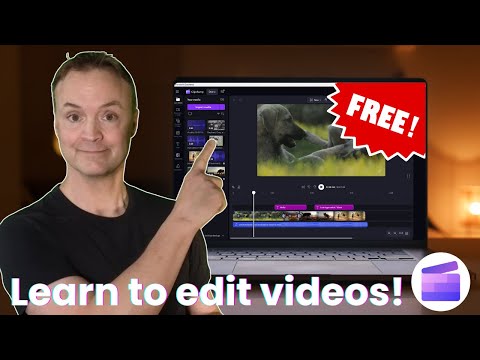 2:450:29Create and name a new project in ClipchampThe user demonstrates how to start a new video project from scratch and assign it a name for easy navigation within the dashboard.Clipchamp· AI Video Editor