How to Use GOOGLE MIXBOARD (FREE)
YouTube ↗
Clips
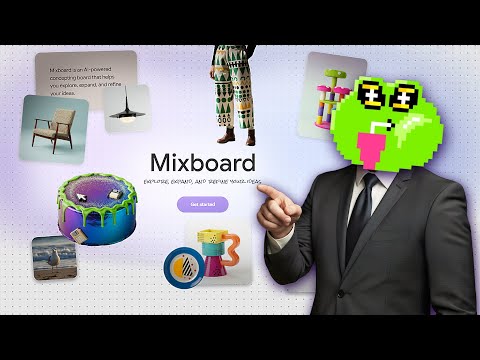 0:170:27Generate and iterate images from text in MixboardThe user demonstrates generating multiple 3D cartoon monster images from a text prompt and shows how to create variations of a selected image.Mixboard· Text to Image
- 1:050:24Combine multiple images into a single sceneThe user selects several generated monster images and uses Mixboard to merge them into a single cohesive scene.Mixboard· AI Image Combiner
- 1:290:29Generate character variations from an uploaded portraitThe user uploads a portrait of a woman and uses Mixboard to generate new images of the same person performing a morning routine.Mixboard· AI Person Generator
- 2:020:39Modify character attributes like hair and makeupThe demonstration shows how to use text prompts to change a subject's hairstyle to a bobcut and apply Halloween makeup while maintaining facial consistency.Mixboard· AI Inpainting
- 2:410:20Apply specific products to a person in MixboardThe user uploads an image of sunglasses and prompts Mixboard to generate images of a specific girl wearing those exact glasses.Mixboard· AI Clothing Try-on
- 3:280:40Mockup logos on apparel and accessoriesThe video shows Mixboard being used to place a custom logo onto realistic mockups of hats, t-shirts, and bags.Mixboard· AI Product Photography
