2:571:11Importing audio and stem separation in RipX DAWThe user demonstrates dragging an audio file into RipX DAW and selecting instrument separation options to extract individual tracks like voice, guitar, and bass.RipX· AI Vocal Remover & Stem Splitter
4:082:21Analyzing individual notes and chordsThe user clicks on individual 'tape' ribbons in the RipX DAW interface to hear specific notes and shows how the software identifies pitch names and underlying chords.RipX· AI Vocal Remover & Stem Splitter
7:191:35Correcting pitch and deleting notesUsing the 'Flatten Pitch' effect and manual dragging, the user demonstrates how to fix sharp notes and delete unwanted overtones directly in the RipX DAW timeline.RipX· AI Audio Editor
9:391:36Editing vocal phrasing with the split toolThe user demonstrates using the split/cutter tool to isolate a specific word in a vocal track and shorten its duration to change the phrasing.RipX· AI Audio Editor
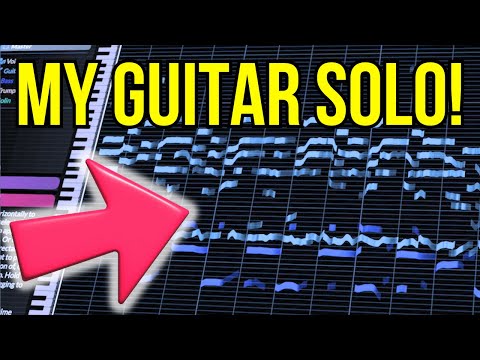
11:310:36Manipulating guitar fillsThe user solos a guitar track and drags individual notes to different pitches to effectively 'replay' the instrument and create a new melody line.RipX· AI Melody & MIDI Generator
19:350:48Exporting MIDI from RipX DAWThe user demonstrates the process of exporting a MIDI file from RipX DAW using the 'Filter Notes' and 'MIDI Detailed' settings to attempt an import into MuseScore.RipX· AI Melody & MIDI Generator

 2:571:11Importing audio and stem separation in RipX DAWThe user demonstrates dragging an audio file into RipX DAW and selecting instrument separation options to extract individual tracks like voice, guitar, and bass.RipX· AI Vocal Remover & Stem Splitter