Changing scale and chords in RipX DAW Pro

 RipX
RipX
Demo summary
The user opens the 'Scale to Chords' menu, selects a progression, and uses the 'Detect' function to automatically shift notes to a new key and scale.
Step-by-step
- Open the Scale to Chords menu at the bottom of the interface
- Select the notes and vocals you wish to modify
- Click the Detect button to identify the current key and scale
- Select a progression style such as Happy, Funky, or Soulful
- Choose a new scale and key from the dropdown menus
Options
- Choose from various progression presets like Happy, Funky, or Soulful
- Manually select the scale and key instead of using Detect
Watch out for
- Ensure you only select the notes and vocals you want to change, excluding elements like kick drums if they should remain unaffected
Highlights
“they got this little function down the bottom that says scale the chords. And you open it up. Look, they got a new nice little shiny new menu now.”
All demos from “RipX Daw Pro V8.0 huge disappointment...”
- 3:331:33Auditioning stem separation in RipX DAW ProThe user solos various stems including vocals, piano, guitars, and strings to demonstrate the artifacts and poor separation quality in RipX DAW Pro V8.0.RipX· AI Vocal Remover & Stem Splitter
- 5:341:55Changing scale and chords in RipX DAW ProCurrentThe user opens the 'Scale to Chords' menu, selects a progression, and uses the 'Detect' function to automatically shift notes to a new key and scale.RipX· AI Melody & MIDI Generator
- 8:090:43Straightening vocal pitch in RipX DAW ProThe user selects the vocal track and applies the 'Straighten Pitch' tool to demonstrate how the software manipulates the audio notes.RipX· AI Audio Editor
- Watch “RipX Daw Pro V8.0 huge disappointment...” →
AI Melody & MIDI Generator
- 5:341:55Changing scale and chords in RipX DAW ProCurrentThe user opens the 'Scale to Chords' menu, selects a progression, and uses the 'Detect' function to automatically shift notes to a new key and scale.DJ/PRODUCER K-DEF
 11:310:30Exporting and importing MIDI dataThe user exports a string part as a MIDI file from RipX DAW Pro and imports it into Digital Performer to show how the analyzed pitch data can be reused.Ryuichiro Yamaki
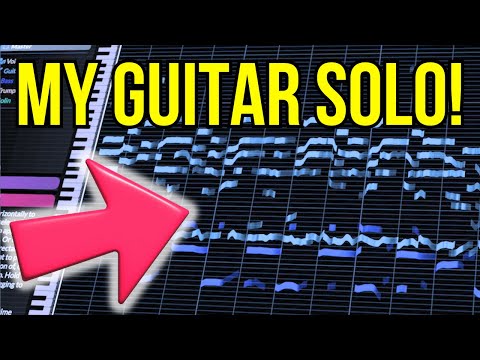 11:310:36Manipulating guitar fillsThe user solos a guitar track and drags individual notes to different pitches to effectively 'replay' the instrument and create a new melody line.Hayes Griffin
 - 19:350:48Exporting MIDI from RipX DAWThe user demonstrates the process of exporting a MIDI file from RipX DAW using the 'Filter Notes' and 'MIDI Detailed' settings to attempt an import into MuseScore.Hayes Griffin
 5:410:37Exporting audio to MIDIThe user demonstrates the export process in RipX, rendering stems as MIDI files and importing them into Ableton Live.Official AHEE