Animate static images with Kling AI

 Kling AI
Demo summary
The video demonstrates how Kling AI converts a static image of a coffee cup into a video with realistic rising steam and consistent lighting. It shows the tool's ability to maintain style and color grading while adding natural motion.
All demos from “I Tried 129 AI Video Editing Tools, These Are The Best”
- 1:400:21Animate static images with Kling AICurrentThe video demonstrates how Kling AI converts a static image of a coffee cup into a video with realistic rising steam and consistent lighting. It shows the tool's ability to maintain style and color grading while adding natural motion.Kling AI· Image to Video
- 3:580:24AI Eye Contact and Digital Twins in CaptionsThe demo showcases the Captions app's AI eye contact correction feature which adjusts a speaker's gaze to look at the camera. It also highlights the creation of digital twins for automated content generation.Captions Ai· AI Avatar Video Generator
- 5:240:21AI Dubbing and Magic Cut in VEEDThe clip demonstrates VEED's AI dubbing feature translating video into different languages and the Magic Cut tool which automatically identifies and removes filler words and pauses from a timeline.Veed· AI Video Editor
- 6:520:21Automated Engagement Elements with SubmagicSubmagic is shown analyzing video pacing to automatically insert B-roll, transitions, and zoom effects. The tool demonstrates how it uses social media psychology to add visual emphasis at key moments.Submagic· AI Video Editor
- 8:130:29Text-Based Video Editing and Overdub in DescriptThe demonstration shows how Descript allows users to edit video by deleting or rearranging words in a text transcript. It also shows the Overdub feature, which uses AI voice cloning to generate new audio from typed text.Descript· AI Video Editor
- 10:060:26Advanced Text-to-Video Generation with Runway MLThe clip demonstrates Runway ML's advanced text-to-video capabilities, showing a cinematic generation of a woman in Tokyo based on a highly specific prompt. It also shows facial expression transfer between characters.Runway· Text to Video
- Watch “I Tried 129 AI Video Editing Tools, These Are The Best” →





Image to Video
 8:032:02Animate images using Kling AIThe video shows the process of uploading a generated image to Kling AI and applying an image-to-video prompt to create a 3D-style animation.Emmanuel Crown
 2:301:24Animate still images using Kling AIThe creator demonstrates the image-to-video feature by uploading photos and using descriptive prompts to control camera movement and environmental animation.Roboverse
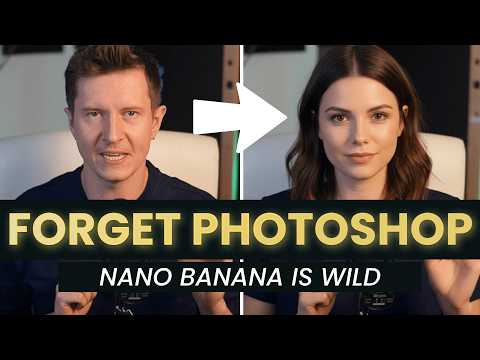 10:361:18Animate images using Kling AI first and last framesThe user demonstrates using Kling 2.1 to animate a character by uploading a starting frame (with a hat) and an ending frame (without a hat) generated in Gemini.AI Samson
 3:321:08Generating consistent character angles with Multi-shotUsing a single image reference, the creator shows how to describe multiple camera angles and actions for a character to generate a consistent 12-second multi-scene video.Dan Kieft
- 15:001:06Image-to-video with start and end framesThe creator demonstrates the image-to-video method by setting a specific start frame and using multi-shot prompts to control the motion and narrative flow.Dan Kieft
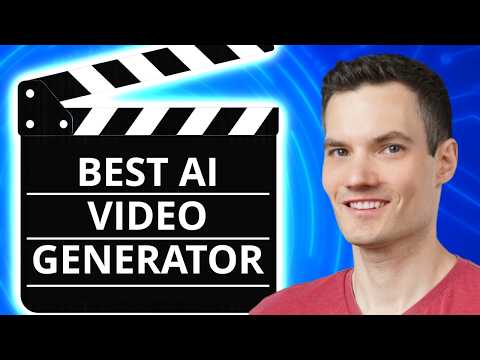 7:360:33Apply image effects in Kling AIThe user uploads a portrait photo to Kling AI's 'effects' tool and selects the 'flyer' template to generate a stylized motion video.@KevinStratvert
 4:200:36Animate AI images into video using Kling AIThe video demonstrates converting a static AI influencer image into a realistic video with natural gestures using the integrated Kling AI 2.1 model.The AI Hustle
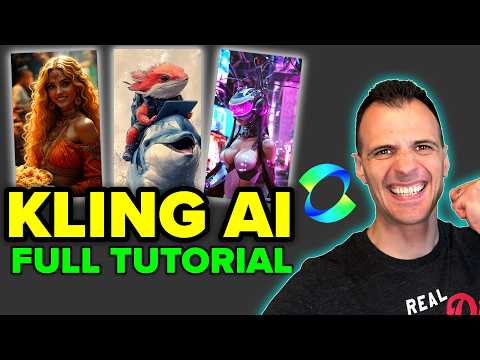 3:371:02Animate images using Kling AI Motion BrushThe video shows how to upload a starting image and use the Motion Brush tool in Kling AI to mask specific areas and define a movement path for birds in a cartoon scene.Caffeinated Blogger
 7:020:35Combine elements into a single videoThe user demonstrates combining two separate images—an empty car interior and a creature—into a single animated video using Kling O1's element feature.Dan Kieft
- 8:000:36Mimic camera motion from a reference videoThe demo illustrates how to upload a video with specific drone movement and apply that exact camera style to a static image using Kling O1.Dan Kieft
 20:400:49Using @ tags for specific image references in Kling O1The creator demonstrates the new tagging feature in the Kling O1 prompt bar, showing how to use the '@' symbol to reference specific uploaded images for character or object placement.Rourke Heath
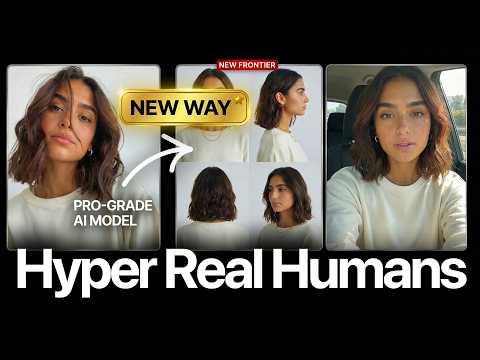 17:020:28Motion transfer with Kling AIThe creator shows how to use Kling Motion Transfer to map the movements from a real 'driving video' of himself onto a static AI influencer image.Sirio