LTX Studio: Generate and edit AI video with LTX Desktop

 LTX Studio
Demo summary
The video demonstrates the LTX Desktop interface, showing the local generation and non-linear editing of AI video clips using the LTX-2.3 model.
AI Video Editor
- 0:360:17Generate and edit AI video with LTX DesktopCurrentThe video demonstrates the LTX Desktop interface, showing the local generation and non-linear editing of AI video clips using the LTX-2.3 model.LTX
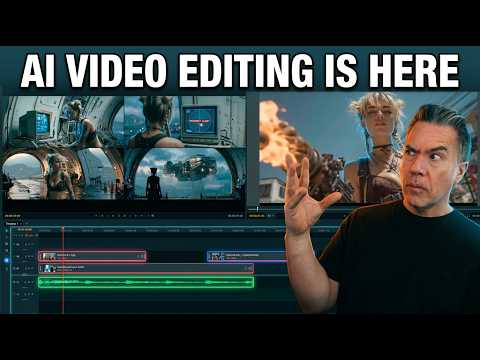 6:591:41Editing timeline and properties in LTX DesktopThe demonstration covers the non-linear editor interface, including clip trimming, color correction properties, adjustment layers, and auto-letterboxing features.Theoretically Media
- 8:581:04Non-destructive shot regeneration on the timelineThe user shows how to right-click a clip on the timeline to 'Regenerate Shot' and toggle between different AI-generated versions of the same prompt non-destructively.Theoretically Media
- 10:361:08Bridging clips with AI 'Fill with Video'The user demonstrates the 'Fill with Video' feature which uses a Gemini API key to generate a transitional bridge between two existing clips on the timeline.Theoretically Media
- 12:330:28Fixing video artifacts with Retake ShotThe demonstration shows using the 'Retake' feature in the Gen Space to fix a specific visual glitch (a character's neck spinning) by regenerating a specific section of the clip.Theoretically Media
 5:221:16Customizing video style and character ageThe demo shows how to switch between cinematic, anime, and 3D styles in real-time and how to edit a character's age to change their appearance in LTX Studio.AI Guy
- 12:481:20Adding sound effects and exporting the final videoThe demo shows how to apply automatic sound effects to specific scenes, generate final motion for all clips, and export the completed storyboard as an MP4.AI Guy
 28:152:29Editing video on the LTX Studio timelineThe walkthrough shows the built-in video editor where clips are trimmed, split, and synced to a music track directly within the platform.LTX_io