Kling AI: Generate AI video with sound effects

 Kling AI
Demo summary
The user demonstrates enabling the 'Audio' toggle in the desktop site version of the tool to generate a video that includes synchronized AI-generated sound effects.
Step-by-step
- Click the three dots in the top right corner of the browser
- Enable the 'Desktop site' option
- Zoom in to locate and toggle the 'Audio' option to ON
- Select your preferred model, resolution, aspect ratio, and duration
- Click on 'First Frame' and upload an image from your device
- Paste your prompt into the text box
- Click 'Generate'
- Download the completed video
Watch out for
- The 'Audio' option must be manually toggled on to include sound effects in the generated video
- Desktop site mode is required to access the audio toggle on mobile browsers
Highlights
“देखा? साउंड भी है। वाटरमार्क भी नहीं।”
All demos from “Kling AI & Veo 3.1 FREE Unlimited 🔥 | High Quality AI Video Kaise Banaye (No Watermark)”
- 2:410:34Generate 4K images with Nano Banana 2The creator demonstrates selecting the Nano Banana 2 model within the Adobe Firefly interface, setting a 16:9 aspect ratio, and generating a high-quality 2K image from a text prompt.Adobe Firefly· Text to Image
- 3:190:53Convert image to video using Veo 3.1The video shows the process of uploading a generated image and using the Veo 3.1 Fast model to create a cinematic AI video without watermarks.Adobe Firefly· Image to Video
- 4:280:42Generate AI video with sound effectsCurrentThe user demonstrates enabling the 'Audio' toggle in the desktop site version of the tool to generate a video that includes synchronized AI-generated sound effects.Kling AI· AI Video Generator
- 7:410:40Cinematic video generation with Kling AIThe creator demonstrates using the Kling AI model within the platform to generate high-fidelity cinematic video clips from text prompts.Kling AI· Text to Video
- Watch “Kling AI & Veo 3.1 FREE Unlimited 🔥 | High Quality AI Video Kaise Banaye (No Watermark)” →

AI Video Generator
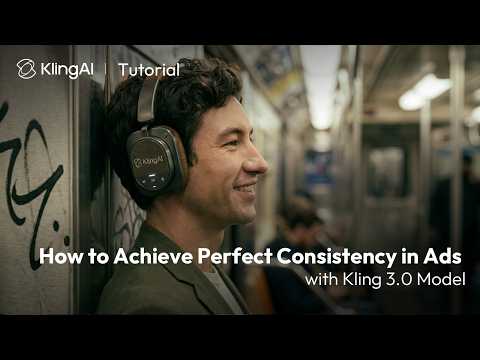 0:240:26Maintain subject consistency in Kling 3.0The video demonstrates how to use the 'bind elements' and 'AI multi-shot' features in Kling 3.0 to keep products and characters consistent by uploading start/end frames and multiple renders.Kling AI
- 0:500:17Keep logos and text consistent with Kling 3.0The user shows how to maintain readable logos on products by binding the subject and using specific prompt instructions within the Kling AI interface.Kling AI
- 4:280:42Generate AI video with sound effectsCurrentThe user demonstrates enabling the 'Audio' toggle in the desktop site version of the tool to generate a video that includes synchronized AI-generated sound effects.Vikash Ai Pro
 2:400:13Generate multi-shot video cuts in Kling 3.0The user demonstrates how to enable the multi-shot toggle in Kling 3.0 to automatically create a cinematic cut in the middle of a generated clip.Kling AI
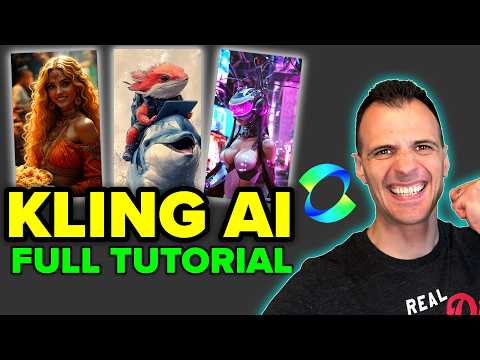 4:391:12Reviewing Kling AI video generation resultsThe creator reviews the final video outputs for both the text-to-video helicopter prompt and the animated bird image, evaluating the motion quality and visual consistency.Caffeinated Blogger