Add objects to existing images with Reve AI

 Reve AI
Demo summary
The user uploads a photo of a chef and uses a text prompt to successfully add meatballs to a plate of spaghetti within the image.
Step-by-step
- Upload the existing image to the platform
- Enter a text prompt specifying the object to add (e.g., 'Add meatballs to the spaghetti')
- Generate the image to see the added elements
Watch out for
- Imported images created on other platforms may result in visual artifacts or 'weird' details like distorted hands
Tips
- Use images natively created within Reve AI for better interpretation and smoother element changes
All demos from “Reve 2 AI Image Generator Image Upload Editor [Good Bye Photoshop?]”
- 0:511:30Remove objects from photos with Reve AIThe user demonstrates how to remove a dog from a family photo by typing a natural language command into the Reve AI chat interface.Reve AI· AI Object Remover/Eraser
- 2:263:56Edit image elements and backgrounds in Reve AIThe presenter shows how to change background colors, add new elements like butterflies and wagons using image references, and modify clothing colors on a specific model.Reve AI· AI Inpainting
- 6:310:57Add objects to existing images with Reve AICurrentThe user uploads a photo of a chef and uses a text prompt to successfully add meatballs to a plate of spaghetti within the image.Reve AI· AI Inpainting
- 7:301:41Animate images with sound using Reve AI (Veo 3)The video demonstrates converting a static image of a chef into an 8-second video clip with synchronized sound and speech using the integrated Google Veo model.Reve AI· Image to Video
- 9:111:53Text-to-video generation in Reve AIThe presenter generates a motorcycle scene from a text prompt, performs a color edit on the bike, and then renders it into a high-quality video with engine sound effects.Reve AI· Text to Video
- Watch “Reve 2 AI Image Generator Image Upload Editor [Good Bye Photoshop?]” →
AI Inpainting
 4:020:09Edit hair color with Reve 2.0A quick demonstration of selecting a subject's hair in a portrait and using a text prompt to change the color to red.AI Biceps
- 4:360:16Precise object replacement in Reve 2.0The spotlight tool is used to highlight a camera in a poster and replace it with a different camera model uploaded from the internet.AI Biceps
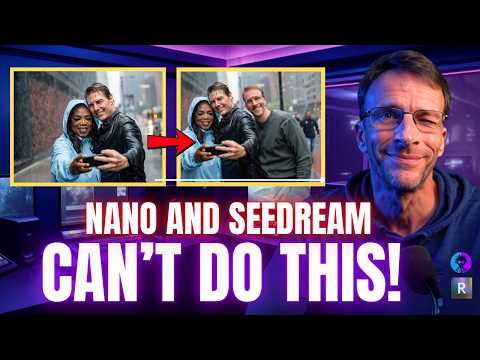 2:451:10Granular object editing in REVEThe video shows REVE's 'Edit' mode, which breaks an image into selectable components (faces, clothing) to apply specific changes like adding sunglasses or changing shirt colors.Bob Doyle Media
- 4:441:10Complex scene building and character insertionREVE is shown researching historical references for Elizabeth Taylor and 50s diners to create a scene, then inserting Big Bird into the background via chat.Bob Doyle Media
- 7:440:21Consistent character hairstyle and pose editingThe user demonstrates modifying a specific person's hairstyle and hand pose while maintaining facial consistency using REVE's image-to-image capabilities.Bob Doyle Media
- 10:280:24Manual object repositioning in AI imagesThe user demonstrates REVE's unique ability to select a generated object (like a character or a sign) and manually move or resize it on the canvas before re-rendering.Bob Doyle Media
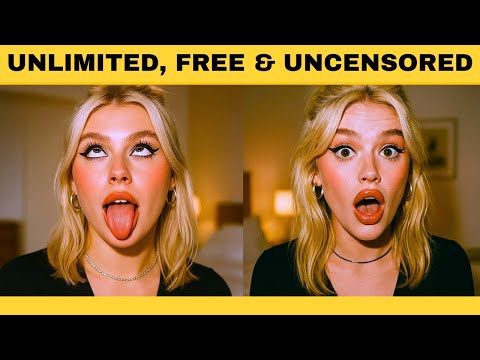 4:121:00Edit facial expressions and outfits with Reve AIThe user uploads an image to Reve AI and demonstrates modifying the subject's expression to a smile and adjusting outfit details while keeping the face shape and identity consistent.Emmanuel Adewuyi
- 2:263:56Edit image elements and backgrounds in Reve AIThe presenter shows how to change background colors, add new elements like butterflies and wagons using image references, and modify clothing colors on a specific model.Creative AI Show
- 6:310:57Add objects to existing images with Reve AICurrentThe user uploads a photo of a chef and uses a text prompt to successfully add meatballs to a plate of spaghetti within the image.Creative AI Show
 4:081:00Edit uploaded photos and facial expressions with ReveThe user uploads a custom photo to Reve and uses text prompts to modify the image, such as making the subject smile and changing the background while keeping the person's identity consistent.WealthWise
 5:560:45Using 'Instruct' to modify generated imagesThe creator uses the 'Instruct' tool to request specific changes, such as making text bigger and bolder, and shows how the model regenerates the image while maintaining the original composition.Philip Anders