MailerLite: Creating popups and sign-up forms
 MailerLite
Demo summary
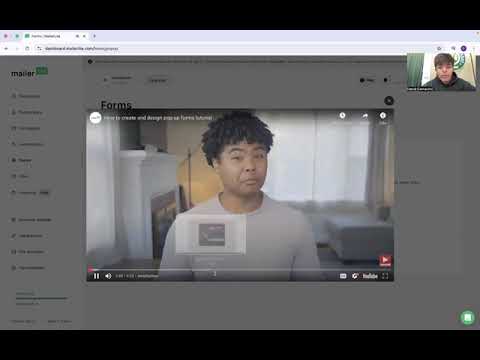
A walkthrough of the forms section showing how to create and edit popups to capture customer engagement.
Step-by-step
- Navigate to the Forms section
- Select the Popup option
- Edit the form design to customize the appearance
- Add engagement elements to capture customer information
Options
- Create mini popups
- Include product features like donations, appointments, subscriptions, or digital products
Tips
- Use creative designs to make the popups more engaging for customers
Highlights
“editing this form a little bit more difficult”
All demos from “MailerLite Demo”
- 1:110:20Importing subscribers to MailerLiteThe presenter demonstrates the subscriber management interface and explains how to upload an Excel sheet to import contact information into the system.MailerLite· Import / migrate contacts
- 1:590:29Creating popups and sign-up formsCurrentA walkthrough of the forms section showing how to create and edit popups to capture customer engagement.MailerLite· Add an opt-in popup
- 2:430:29Selecting and editing email templatesThe video shows the campaign creation process, specifically selecting pre-made templates like a Black Friday sale and entering the editor to tailor the design.MailerLite· Use / customize email templates
- 3:120:19Setting up email automation workflowsThe presenter navigates to the automation tab to show how to create workflows for welcome emails, retargeting, and birthday wishes.MailerLite· Build a welcome / drip automation
- Watch “MailerLite Demo” →
Add an opt-in popup
 16:335:22Designing and configuring a website popupDemonstration of creating a lead-capture popup, selecting templates, customizing the visual design (including countdown timers), and setting behavioral triggers like scroll depth or exit intent.Matt Crawford
 19:502:57Create and configure a signup popupDemonstrates selecting a popup template, customizing the design and form fields, and setting display triggers like time delay or exit intent.Metics Media
- 1:590:29Creating popups and sign-up formsCurrentA walkthrough of the forms section showing how to create and edit popups to capture customer engagement.BrandLens Consulting