1:110:20Importing subscribers to MailerLiteThe presenter demonstrates the subscriber management interface and explains how to upload an Excel sheet to import contact information into the system.MailerLite· Import / migrate contacts
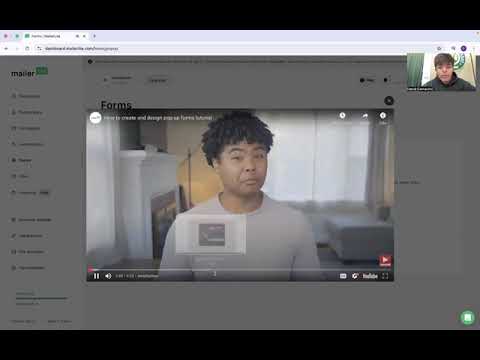
1:590:29Creating popups and sign-up formsA walkthrough of the forms section showing how to create and edit popups to capture customer engagement.MailerLite· Add an opt-in popup
2:430:29Selecting and editing email templatesThe video shows the campaign creation process, specifically selecting pre-made templates like a Black Friday sale and entering the editor to tailor the design.MailerLite· Use / customize email templates
3:120:19Setting up email automation workflowsThe presenter navigates to the automation tab to show how to create workflows for welcome emails, retargeting, and birthday wishes.MailerLite· Build a welcome / drip automation

 1:110:20Importing subscribers to MailerLiteThe presenter demonstrates the subscriber management interface and explains how to upload an Excel sheet to import contact information into the system.MailerLite· Import / migrate contacts