I Created TRAVEL Videos for my AI Influencer Using AI and Here's How
YouTube ↗
Clips
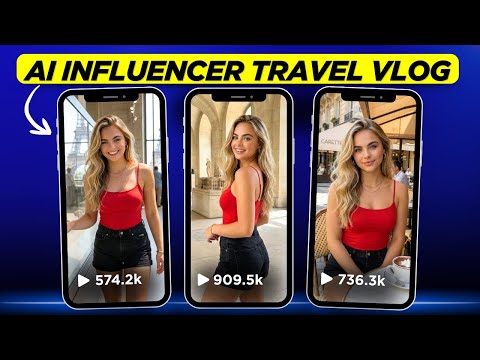 4:341:12Generate consistent AI influencer images with Whisk AIThe creator demonstrates how to use a specific seed number and base image in Whisk AI to generate a consistent character in a travel setting.Google Whisk· AI Person Generator
- 5:461:35Change locations while keeping character outfits in Whisk AIThe demo shows how to use the edit feature in Whisk AI to swap background locations and poses while maintaining the same clothing for a 'day in the life' travel series.Google Whisk· AI Inpainting
- 7:214:02Place AI influencer in custom scenes and add objectsThe creator shows how to upload a custom scene image and a separate subject image (pastries) into Whisk AI to composite the influencer into a specific environment with specific items.Google Whisk· AI Image Combiner
- 11:233:34Generate AI influencer images using Nano Banana ProThe video walks through using the Nano Banana Pro model inside OpenArt, utilizing the 'Omni Reference' feature to maintain character features from a base image.OpenArt· AI Person Generator
- 15:023:21Animate AI influencer images with Kling 2.5The creator demonstrates how to upload a static AI-generated image to OpenArt's video tab and use the Kling 2.5 model to animate the scene with motion and sound effects.OpenArt· Image to Video

