1:352:01Natural wildlife photo editing in Luminar NeoThe creator demonstrates basic adjustments in Luminar Neo including cropping, using the AI Noiseless tool for denoising, and adjusting tone and white balance via the Develop module.Luminar Neo· AI Image/Photo Enhancer
4:061:34Enhancing image pop and structure with AIThe demo shows how to use Enhance AI's accent slider for exposure and color pop, followed by Structure AI with manual brush masking to sharpen specific details on a bird.Luminar Neo· AI Image/Photo Enhancer
5:470:39Adjusting HSL and subject-aware vignettingThe creator uses the Color tool to target specific HSL values for a bird's bill and applies a vignette using a subject-placement indicator.Luminar Neo· AI Photo Editor
7:252:05Reshaping light with Relight AIThe video demonstrates the Relight AI (referred to as light depth) tool to adjust brightness and temperature based on 3D depth, effectively changing the lighting direction on the subject.Luminar Neo· AI Relighting
10:270:52Creative color isolation using AI maskingThe creator demonstrates a creative 'fine art' look by using Object Select AI to mask a bird, inverting the mask, and desaturating the entire background while keeping the subject in color.Luminar Neo· AI Photo Editor

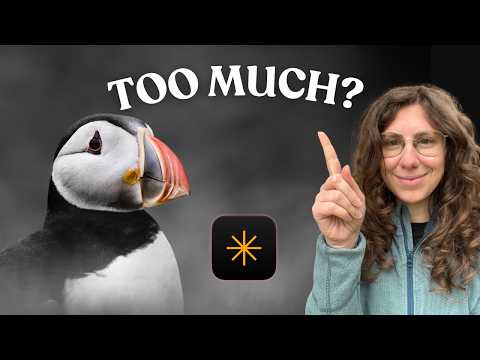 1:352:01Natural wildlife photo editing in Luminar NeoThe creator demonstrates basic adjustments in Luminar Neo including cropping, using the AI Noiseless tool for denoising, and adjusting tone and white balance via the Develop module.Luminar Neo· AI Image/Photo Enhancer