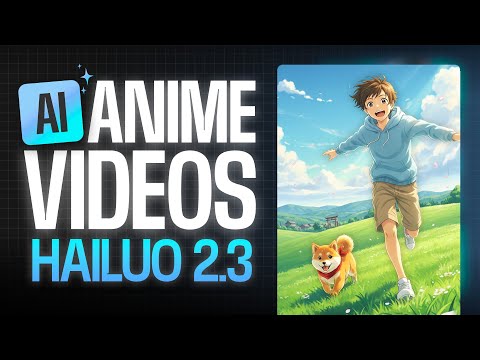
Animate images using Hailuo 2.3 in VEED
 Veed
Veed
Demo summary
The video shows the process of uploading a reference image to the VEED AI playground, selecting the Hailuo 2.3 model, and entering a motion prompt to generate a 10-second anime video.
Step-by-step
- Open the AI playground in VEED
- Select the Hailuo 2.3 model
- Upload your reference image
- Write a detailed motion prompt describing the video and camera movements
- Click Generate
- Wait a few minutes for the model to process the video
Tips
- Include specific camera movements in your prompt to guide the video generation
- Use the AI playground to experiment with different video models in one place
Highlights
“It's got all of the latest video models all in one place, which is super helpful for experimentation.”
Image to Video
 9:481:19Convert AI images to videoThe user demonstrates the 'make video' feature by animating a previously generated static image using the Clean 3 Pro model.AI Guy
 2:530:36Image-to-video generation with Kling Free ProUsing VEED's video feature, the user uploads a previously generated image and uses the Kling Free Pro model to animate the character lifting a smartphone and talking.Eigi and AI
 8:331:11Control camera movement in AI animations with VeedThe creator demonstrates Veed's image-to-video tool, specifically showing how to use separate prompts for animation and camera movement (pans, dollies, orbits) to control the final output.Malva AI
 3:510:31Animate complex photos with VEED Fabric 1.0A demonstration of animating a photo of a person holding a cat, showing how the AI handles realistic movement of both the subject and the animal.Mike Dee
 1:090:42Generate 15-second AI video with Wan 2.6The user demonstrates how to use the Wan 2.6 model within VEED by uploading a reference image, selecting the model, and entering a detailed text prompt to generate a video.VEED STUDIO
- 1:290:39Animate images using Hailuo 2.3 in VEEDCurrentThe video shows the process of uploading a reference image to the VEED AI playground, selecting the Hailuo 2.3 model, and entering a motion prompt to generate a 10-second anime video.VEED STUDIO
 6:300:20Animate images with VEED Fabric 1.0The video shows how to upload a static character image into VEED Fabric 1.0 to generate a talking video with realistic movement and audio.AI Master