Generate realistic images with Recraft

 Recraft
Demo summary
The user selects a realistic model and aspect ratio in Recraft, enters a prompt for a knight in New York, and exports the resulting image.
Step-by-step
- Select the Realistic model from the model options
- Set the aspect ratio to 16/9
- Enter your prompt into the central text field
- Click the Recraft button to generate images
- Select your preferred image from the results
- Click Export
- Select JPG as the file format
- Click the Export button again to download
Options
- Choose between different generated image variations
- Export in JPG format
Tips
- Write prompts in English or Spanish to describe the scene
AI Realistic Image Generator
 0:180:45Generate photorealistic images with Recraft V4.1 ProThe user selects the Recraft V4.1 Pro model and enters a short prompt to generate a realistic lifestyle image with natural skin textures and soft lighting.Recraft
- 8:100:58Generate realistic images with RecraftCurrentThe user selects a realistic model and aspect ratio in Recraft, enters a prompt for a knight in New York, and exports the resulting image.Joaquín Barberá - Inteligencia Artificial
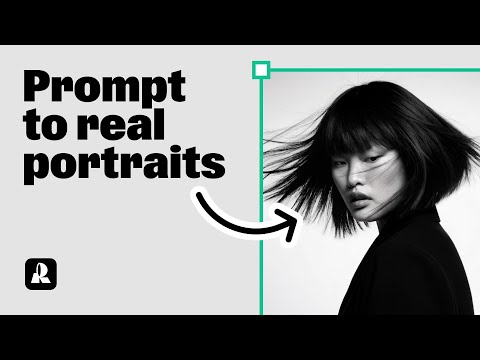 0:190:32Generate a portrait with Hardflash style in RecraftThe user demonstrates how to select the 'Hardflash' curated style in Recraft V3 and enter a detailed prompt to generate a photorealistic portrait.Recraft