Lip-syncing AI voices with Sync.so

Demo summary
The creator shows the result of using Sync.so to synchronize a generated 11 Labs voice with the lip movements of an AI-generated video character.
Step-by-step
- Generate a custom voiceover using 11 Labs
- Upload the base video clip of the AI model to Sync.so
- Upload the generated 11 Labs audio file
- Run the synchronization process to align the model's lip movements with the new audio
Watch out for
- The original footage audio must be replaced to avoid a mismatch between the AI model's speech and the sound
Tips
- Use motion from original footage as inspiration to create a fully unique video with your own model and product
- Sync a custom voice to the AI model to make the video suitable for use as an ad
Highlights
“result that I was able to get, which looks really spot-on”
All demos from “how i make ads with AI motion control.”
- 4:340:24Generate product-specific images with Google GeminiThe creator uses Google Gemini Pro to generate a new image of a model wearing a specific dress by providing a reference frame and a product screenshot.Gemini· AI Product Photography
- 5:171:07Apply AI motion control with Kling AIThe video demonstrates using Kling AI (referred to as cleaningai.com in transcript) to map the motion from a source video onto a static AI-generated image.Kling AI· Image to Video
- 8:030:35Lip-syncing AI voices with Sync.soCurrentThe creator shows the result of using Sync.so to synchronize a generated 11 Labs voice with the lip movements of an AI-generated video character.SSync.So· AI Lip Sync Generator
- Watch “how i make ads with AI motion control.” →

AI Lip Sync Generator
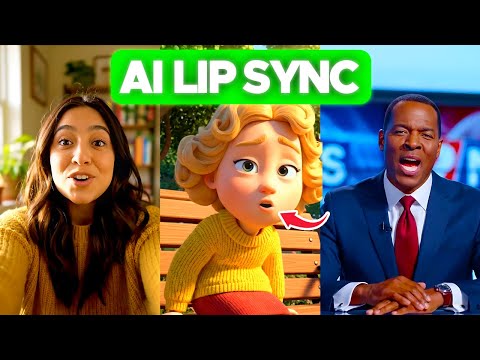 1:433:02Lip-syncing video with LipSync 2 Pro on sync.soThe user demonstrates uploading a video to sync.so, selecting the LipSync 2 Pro model, configuring settings like 'detect active speaker' and 'detect obstructions', and integrating ElevenLabs voices for the audio output.AI Simplified
- 6:551:34Changing facial expressions with React 1 on sync.soThe demonstration shows how to use the React 1 model on sync.so to rewrite facial emotions (such as happy, sad, or angry) and head movements while syncing the mouth to new dialogue.AI Simplified
- 8:030:35Lip-syncing AI voices with Sync.soCurrentThe creator shows the result of using Sync.so to synchronize a generated 11 Labs voice with the lip movements of an AI-generated video character.taysthetic.
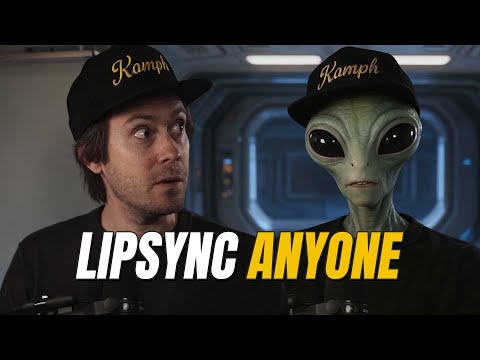 1:220:39Translate and lip-sync video with Sync.soThe creator demonstrates the Sync.so web interface by creating a new project, uploading a video, and pasting translated Spanish text to generate a lip-synced output.Sebastian Kamph
- 2:111:30Advanced voice cloning and obstruction detection in Sync.soThe demo shows how to upload an audio sample for voice cloning and toggle the 'detect obstructions' setting to maintain lip-sync accuracy when a hand covers the mouth.Sebastian Kamph
 0:451:53Lip sync video with Sync.soThe creator demonstrates how to upload a video and audio file to the Sync.so dashboard and apply the AI lip-syncing process to align the character's mouth movements with the audio.Learn with Emnet
  2:341:43Navigating the Sync.so Dashboard and Upload ProcessThe video demonstrates the Sync.so interface, showing how to toggle between Light and Timeline modes and how to upload video and audio files for AI lip-syncing.IdeaPlex