Creating a multichannel sequence in Reply.io

 Reply.io
Demo summary
The video demonstrates how to select sequence templates in Reply.io, including multichannel options that combine email and LinkedIn steps.
All demos from “Reply.io Review(Is It Worth It for Small Businesses?)”
- 2:160:57Creating a multichannel sequence in Reply.ioCurrentThe video demonstrates how to select sequence templates in Reply.io, including multichannel options that combine email and LinkedIn steps.Reply.io· Multichannel (email+LI+call)
- 3:122:19Setting up automated email follow-upsA walkthrough of the sequence builder showing how to add steps, set delays, and configure automatic stops when a prospect replies.Reply.io· Build a cold-email sequence
- 5:440:18Managing replies in the Reply.io InboxThe presenter shows the unified inbox feature where users can manage conversations and follow-ups from their campaigns.Reply.io· Multichannel (email+LI+call)
- Watch “Reply.io Review(Is It Worth It for Small Businesses?)” →
Multichannel (email+LI+call)
 1:053:58Setting up Reply.io Webhook SubscriptionsThe video demonstrates how to configure API keys and set up webhook subscriptions within Reply.io to trigger events for bounces and responses.Konstantinos Christopoulos
 3:192:30Building a conditional multichannel sequenceA step-by-step walkthrough of creating a sequence that branches based on LinkedIn connection status and engagement, including email templates and LinkedIn automation steps.Reply
- 2:160:57Creating a multichannel sequence in Reply.ioCurrentThe video demonstrates how to select sequence templates in Reply.io, including multichannel options that combine email and LinkedIn steps.Simple Answers
- 5:440:18Managing replies in the Reply.io InboxThe presenter shows the unified inbox feature where users can manage conversations and follow-ups from their campaigns.Simple Answers
 8:083:15Setting up a multichannel sequence in Reply.ioWalks through the creation of a sequence involving LinkedIn touches, AI-generated personalized messages, and email follow-ups.Business Solution
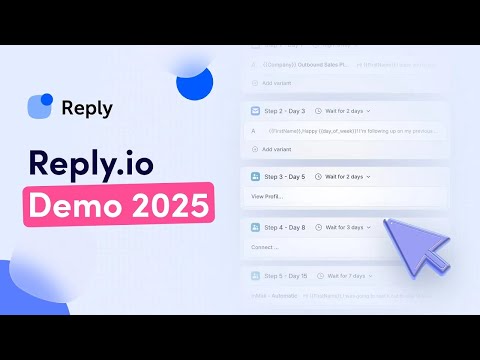 5:430:57Setting up multichannel sequencesShows how to combine email, LinkedIn actions, and manual tasks into a single automated outreach workflow.Reply