Smartlead: Automated email infrastructure setup with SmartSenders
 Smartlead
Demo summary
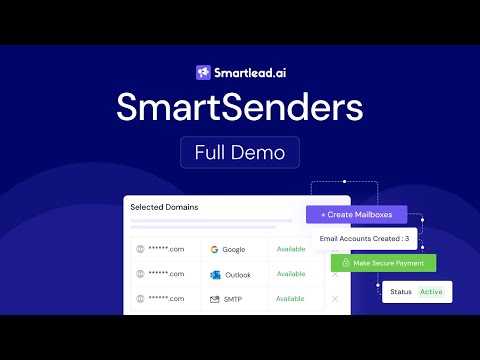
The video demonstrates how to use SmartSenders to search for domains, purchase them, and automatically configure the necessary email infrastructure (SPF/DKIM/DMARC) directly within the Smartlead platform.
Set up domains & inboxes (SPF/DKIM/DMARC)
 0:533:41Setting up domains and mailboxes with SmartSendersDemonstrates how to purchase and configure new domains and mailboxes directly within Smartlead using the SmartSenders feature, including setting up sender personas.Software Scope
 1:071:07Connecting email accounts in SmartleadDemonstrates how to navigate to the email accounts panel and connect private mailboxes via Gmail, Outlook, or SMTP.Tim Yakubson
 1:261:54Connecting email inboxes to SmartleadThe video demonstrates how to connect multiple email accounts (Google, Microsoft, or custom SMTP) to the Smartlead platform for outbound sending.Romain Osman Lead Generation
 1:563:58Connecting email accounts to SmartleadDemonstrates how to integrate Gmail, Microsoft, or custom SMTP accounts into Smartlead for sending, including bulk account management and deliverability settings.Smartlead
 1:563:58Connecting email accounts in SmartleadThe video demonstrates how to connect Gmail, Microsoft, or custom SMTP accounts to Smartlead and configure deliverability settings.Matt Lucero
- 1:332:51Automated email infrastructure setup with SmartSendersCurrentThe video demonstrates how to use SmartSenders to search for domains, purchase them, and automatically configure the necessary email infrastructure (SPF/DKIM/DMARC) directly within the Smartlead platform.Smartlead
 1:503:50Adding and configuring email accounts in SmartleadDemonstrates how to add new email accounts to the platform and configure global settings for sending limits.Jeremy Dixon