Setting up the Close CRM Predictive Dialer
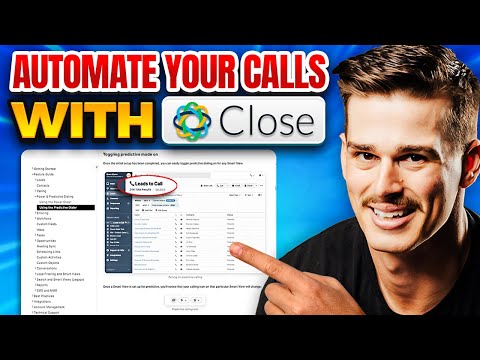
 Close CRM
Demo summary
The video demonstrates the steps to enable the predictive dialer, assign users to groups, and configure voicemail and abandonment settings within the Close CRM interface.
Parallel/power dialer
 1:402:40Configuring Phone Settings and Dialer in CloseThe presenter demonstrates how to set up a US-based phone number, configure country codes, and adjust microphone and recording settings within the Close CRM dialer.Jordan Park | RevPilot — Close CRM & Sales Ops
 0:441:11Power dialing and lead views in CloseThe demo shows the 'Smart Views' interface and how to initiate a power dialing session to call through a list of prospects efficiently.SoftwareFinds
 10:322:30Setting up the Close Power DialerShows the configuration of phone numbers and the integrated dialer settings, including the AI Notetaker for sales calls.Jordan Park | RevPilot — Close CRM & Sales Ops
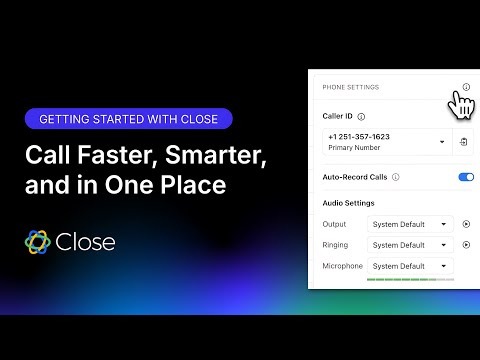 0:571:48Making calls and managing voicemails in CloseDemonstrates how to initiate calls directly from lead profiles and manage voicemails within the CRM interface.Close
- 2:431:46Setting up Power and Predictive DialersShows the configuration of automated dialing systems including predictive dialing for high-volume outbound teams.Close
 33:382:00Configuring the Close Power DialerShows the setup for the built-in dialer, including phone number registration and predictive dialing settings.Jordan Park | RevPilot — Close CRM & Sales Ops
 25:002:45Using the Close Power DialerDemonstrates the built-in dialer functionality for making outbound calls directly from lead lists and tracking call activities.Sam Queen, CloseDr
- 2:301:35Setting up the Close CRM Predictive DialerCurrentThe video demonstrates the steps to enable the predictive dialer, assign users to groups, and configure voicemail and abandonment settings within the Close CRM interface.Sam Queen, CloseDr
 18:100:51Using the Close Power DialerBriefly demonstrates the integrated dialer interface for making calls directly from the lead list.Sam Queen, CloseDr