4:192:17Convert AI images to editable vectors in KittlThe video shows the process of taking an AI-generated logo, removing the background, and using the 'Vectorize' tool to create a fully scalable vector with editable nodes.Kittl· Image to Vector
11:090:31Create consistent illustration sets with AIUsing the 'Nana Banana' model within Kittl, the user demonstrates generating a sailboat illustration that matches the specific 3D holographic style of existing brand assets.Kittl· AI Style Transfer
12:081:14Upscale images to 4K using Kittl RemixThe presenter uses the 'Remix Image' feature with the Nano Banana Pro 4K model to enhance the resolution and crispness of a generated graphic.Kittl· AI Image Upscaler
17:581:24Generate custom AI mockup environmentsThe user attaches a Smartboard to a standard mockup and uses a prompt to place the product in a specific 'golden hour' interior setting on a wooden coffee table.Kittl· AI Product Photography
24:190:43Animate static designs into videoThe presenter demonstrates the 'Generate Video' tool by selecting a start and end frame of a product bottle and using AI to create a 3D spinning animation with bubbles.Kittl· Image to Video
27:101:14Create AI video from a single frameThe video shows how to use an AI video panel and a long-form prompt to add motion to specific components of a poster design, such as a moving panther or stomping effects.Kittl· Image to Video

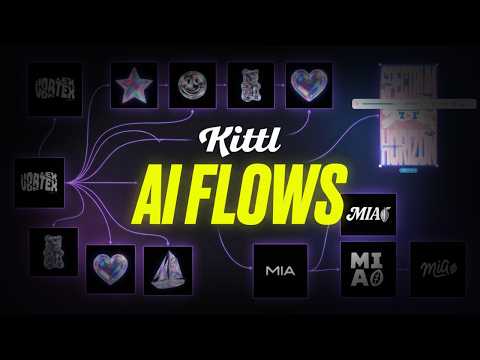 4:192:17Convert AI images to editable vectors in KittlThe video shows the process of taking an AI-generated logo, removing the background, and using the 'Vectorize' tool to create a fully scalable vector with editable nodes.Kittl· Image to Vector