AnyEnhancer: Enhance Video with Different AI Models
YouTube ↗
Clips
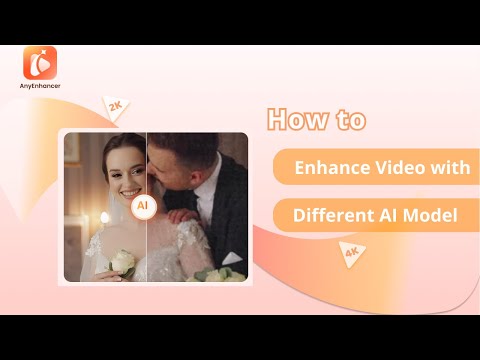 0:411:02Upscale video resolution with Intelligent EnhancementThe video demonstrates using AnyEnhancer's Intelligent Enhancement model to refine facial details and upscale video resolution to 2K or 4K.AnyEnhancer· AI Video Upscaler
- 1:430:59Increase video clarity with Resolution EnhancementAnyEnhancer is shown processing low-resolution footage to increase clarity and detail using its dedicated Resolution Enhancement AI.AnyEnhancer· AI Video Upscaler
- 2:420:49Repair facial features with Face RestorationThis clip shows the Face Restoration tool in AnyEnhancer identifying and sharpening eyes, skin texture, and other facial features in blurry videos.AnyEnhancer· AI Video Enhancer
- 3:310:37Colorize grayscale video with AnyEnhancerThe Colorize model is demonstrated adding realistic color to black and white video sequences within the AnyEnhancer interface.AnyEnhancer· AI Video Enhancer
- 4:080:42Improve video vibrancy with Color EnhancementThe demonstration shows how to use the Color Enhancement model to adjust and enrich video colors for a more vivid and balanced look.AnyEnhancer· AI Video Enhancer
- 4:500:43Remove grain and artifacts with Denoise ModelAnyEnhancer's Denoise model is shown removing unwanted noise and grain from low-light video footage to improve clarity.AnyEnhancer· AI Video Enhancer
- 5:330:44Smooth video motion with Frame InterpolationThe video demonstrates using 2x and 4x Frame Interpolation in AnyEnhancer to create smoother transitions in fast-moving video clips.AnyEnhancer· AI Video Interpolation