Camtasia Audiate: Generate an AI avatar from text in TechSmith Audiate

 Camtasia Audiate
Demo summary
The presenter demonstrates the workflow in Audiate by pasting text, selecting a language, choosing a voice character (Andrew), adjusting speed and pitch, and selecting a visual avatar (Louise) to generate a video.
Step-by-step
- Open TechSmith Audiate and click the Generate button.
- Paste your text into the editor.
- Select your language from the dropdown menu.
- Choose a voice character and click the preview button to hear it.
- Adjust the speed and pitch sliders to your preference.
- Select a visual avatar character.
- Click Generate Avatar.
Options
- Choose from language presets including Spanish, Brazilian, Dutch, French, German, and Italian
- Select from various voice characters like Andrew
- Select from various visual avatars like Louise
- Generate audio only without an avatar
Tips
- Set the speed a little slower for e-learning content to ensure better comprehension for all learners.
Highlights
“this little workflow kind of popped up and appeared. And there's a bunch of things that we can do.”
All demos from “Create AI Avatar Videos in Camtasia Audiate”
- 1:252:11Generate an AI avatar from text in TechSmith AudiateCurrentThe presenter demonstrates the workflow in Audiate by pasting text, selecting a language, choosing a voice character (Andrew), adjusting speed and pitch, and selecting a visual avatar (Louise) to generate a video.Camtasia Audiate· AI Avatar Video Generator
- 3:530:22Previewing AI avatar video outputA live preview of the generated AI avatar is shown where the character speaks the provided script about household waste disposal.Camtasia Audiate· AI Avatar Video Generator
- 4:411:26Exporting AI avatar video from AudiateThe user demonstrates the export process, selecting MP4 format, adjusting quality to high, setting dimensions to HD, and saving the file to a local drive.Camtasia Audiate· AI Video Editor
- Watch “Create AI Avatar Videos in Camtasia Audiate” →
AI Avatar Video Generator
- 1:252:11Generate an AI avatar from text in TechSmith AudiateCurrentThe presenter demonstrates the workflow in Audiate by pasting text, selecting a language, choosing a voice character (Andrew), adjusting speed and pitch, and selecting a visual avatar (Louise) to generate a video.The Paul Wilson Project
- 3:530:22Previewing AI avatar video outputA live preview of the generated AI avatar is shown where the character speaks the provided script about household waste disposal.The Paul Wilson Project
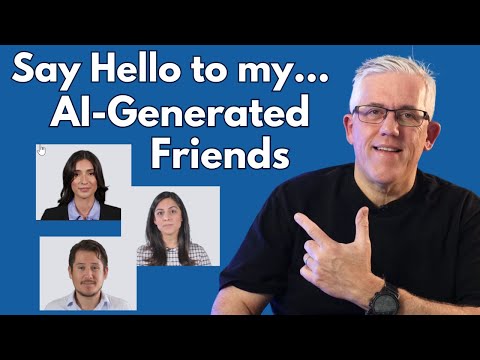 4:200:47Create and preview an AI talking avatarThe user selects an avatar, chooses a square aspect ratio, and generates the video, showing the final result of the avatar speaking the script.Learning and Technology with Frank