Upload audio and configure AI character in Producer.AI
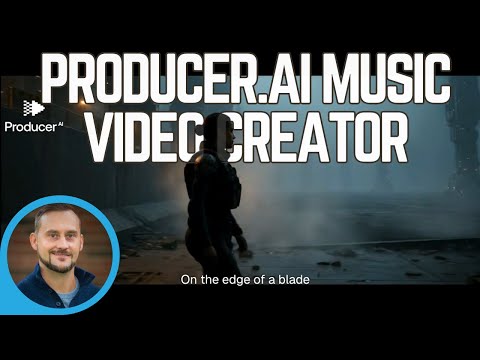

Demo summary
The creator walks through uploading a custom audio track to Producer.AI and using the LLM interface to define a dark sci-fi concept with a consistent AI character for a horizontal video.
Step-by-step
- Upload a mastered audio track to your library
- Select the horizontal video format
- Request the creation of an AI character via the LLM interface
- Describe the visual concept, such as dark sci-fi
- Specify the segment of the song to be used, such as a 60-second clip from the middle
- Check on the progress of the video generation
Options
- Create an AI character for visual consistency
- Define custom visual themes like dark sci-fi
Watch out for
- The system reinterprets uploaded audio into its own language, which may cause it to sound slightly different
- Ensure the song is fully copied to your library before starting the video generation to avoid 'song not found' errors
- Video generation can take 30 minutes or longer to complete
Tips
- Verify the song is successfully uploaded and recognized with a cover and lyric sketch before proceeding
- If the video generation hangs or fails, try to recreate the request after checking the progress
Highlights
“it takes a full half an hour to create these videos. So that's another little frustration there.”
All demos from “Producer.AI Demo [NEW FEATURE] | This AI Turns ANY Song Into a Music Video Instantly 🎶😲🎉”
- 0:541:47Generate a music video with Producer.AI chatThe user demonstrates the chat-based interface of Producer.AI to select a song, set a surreal style, choose a vertical aspect ratio, and initiate a 45-second video generation.PProducer.Ai· AI Music Video Generator
- 4:361:20Upload audio and configure AI character in Producer.AICurrentThe creator walks through uploading a custom audio track to Producer.AI and using the LLM interface to define a dark sci-fi concept with a consistent AI character for a horizontal video.PProducer.Ai· Script To Video AI Generator
- Watch “Producer.AI Demo [NEW FEATURE] | This AI Turns ANY Song Into a Music Video Instantly 🎶😲🎉” →
Script To Video AI Generator
 14:502:36Configure a music video in Producer.aiThe user walks through the music video generation workflow, selecting templates, setting a 'Neon Cyberpunk City' style, and choosing aspect ratios via the chat interface.Music Tech Info
- 4:361:20Upload audio and configure AI character in Producer.AICurrentThe creator walks through uploading a custom audio track to Producer.AI and using the LLM interface to define a dark sci-fi concept with a consistent AI character for a horizontal video.Creative AI Show