GoEnhance AI: Upscale and enhance old photos

 GoEnhance AI
Demo summary
The creator shows how to use GoEnhance to upscale a decades-old portrait to 4K resolution, improving facial clarity and background detail.
All demos from “I Tested GoEnhance AI: The All-in-One Tool for Video, Images, and More”
- 0:510:43Video-to-video style transfer with GoEnhance AIThe creator demonstrates how to transform a skateboarding video into a vibrant anime style using GoEnhance AI's video-to-video feature.GoEnhance AI· Video to Video
- 1:470:41AI image generation using Flux on GoEnhance AIThe video shows the process of generating a digital art image of an astronaut in a neon city using the Flux model within the GoEnhance interface.GoEnhance AI· Text to Image
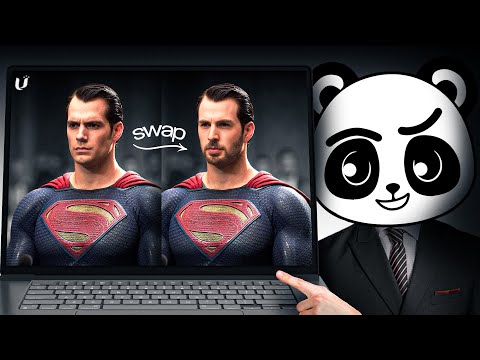
- 2:360:17One-click face swap in videoA demonstration of the face swap tool where a famous actor's headshot is seamlessly applied to a goofy video clip.GoEnhance AI· AI Face Swap Video
- 2:530:18Upscale and enhance old photosCurrentThe creator shows how to use GoEnhance to upscale a decades-old portrait to 4K resolution, improving facial clarity and background detail.GoEnhance AI· AI Image Upscaler
- 3:140:16Animate static photos into dancing charactersThe video demonstrates the character animation feature by uploading a photo and applying a dancing motion preset.GoEnhance AI· Image to Video
- Watch “I Tested GoEnhance AI: The All-in-One Tool for Video, Images, and More” →
AI Image Upscaler
- 2:530:18Upscale and enhance old photosCurrentThe creator shows how to use GoEnhance to upscale a decades-old portrait to 4K resolution, improving facial clarity and background detail.AI With TechZnap
 8:110:40Image Upscaling with Image EnhancerThe user demonstrates upscaling a low-resolution city street photo to improve sharpness and clarity using the built-in Image Enhancer.Artificial Quotient