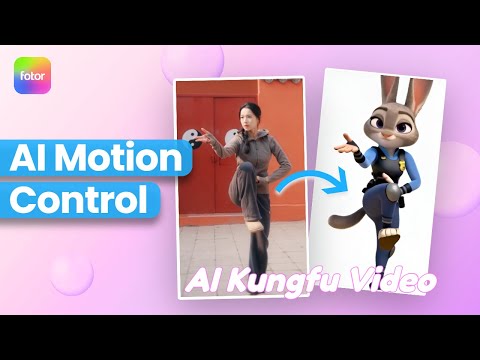
Animate characters using Fotor AI Motion Transfer
 Fotor
Fotor
Demo summary
The video demonstrates how to use Fotor's 'Motion Transfer' tool by uploading a character photo and a reference video clip to generate a new animation with cloned motion.
Step-by-step
- Go to fotor.com and select AI video
- Click on Template
- Select Avatar
- Choose Motion Transfer
- Upload your character photo
- Upload the reference video clip
- Click Generate
Video to Video
- 0:160:20Animate characters using Fotor AI Motion TransferCurrentThe video demonstrates how to use Fotor's 'Motion Transfer' tool by uploading a character photo and a reference video clip to generate a new animation with cloned motion.Fotor