Swap outfits in photos with Magic Hour AI
 Magic Hour
Demo summary
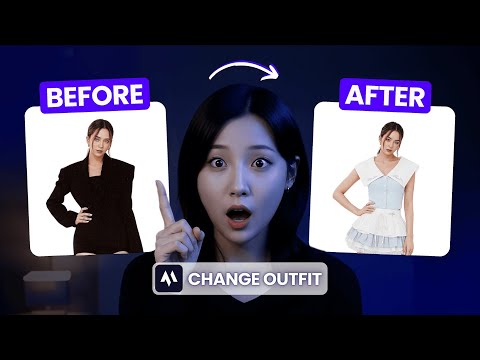
The user demonstrates uploading a model photo and a target outfit photo to Magic Hour's 'AI clothes changer' tool to generate a realistic clothing swap.
Step-by-step
- Go to the Magic Hour website and click Create now for free
- Scroll down and select AI clothes changer
- Upload a photo of your model
- Upload a photo of the outfit you want to try on
- Select the part of the body to change (Upper Body, Lower Body, or Full Outfit)
- Click Generate
Options
- Upload photos of yourself, a friend, or a celebrity
- Change only the upper body
- Change only the lower body
- Change the full outfit
Watch out for
- Each try costs 25 credits
Highlights
“Wow, that looks super realistic.”
AI Clothing Try-on
- 0:170:37Swap outfits in photos with Magic Hour AICurrentThe user demonstrates uploading a model photo and a target outfit photo to Magic Hour's 'AI clothes changer' tool to generate a realistic clothing swap.Magic Hour AI