Fix blinked eyes with Airbrush Studio
 Airbrush Studio
Demo summary
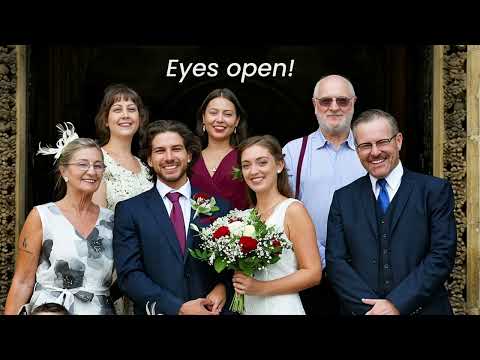
The video demonstrates using Airbrush Studio's 'Face Fix' tool to replace closed eyes in a photo by uploading reference images and generating AI-blended results.
Step-by-step
- Go to Portrait Retouch
- Select the person you want to edit
- Find and select Face Fix
- Choose the Eyes Fixed option
- Upload reference photos with eyes open from your project or local files
- Click Generate
- Select your preferred result from the three generated options and click Apply
Options
- Change the full face instead of only fixing eyes
- Upload between one and five reference photos
Highlights
“Everything is easy, fast, and incredibly”
AI Inpainting
- 0:120:53Fix blinked eyes with Airbrush StudioCurrentThe video demonstrates using Airbrush Studio's 'Face Fix' tool to replace closed eyes in a photo by uploading reference images and generating AI-blended results.Airbrush Studio