Google Imagen 2: Multi-reference image generation with GPT Image 2
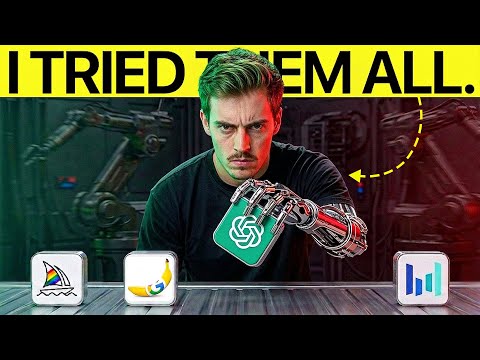
 Google Imagen 2
Demo summary
The creator demonstrates using 13 different image references (outfits, animals, tools) simultaneously to generate a complex jungle scene.
Step-by-step
- Upload up to 16 reference images to Google Imagen 2
- Tag each reference image within your text prompt
- Describe the scene and character actions in the prompt
- Generate the image
Options
- Use up to 16 references in Imagen 2
- Use up to 13 references in Nano Banana Pro
Watch out for
- Midjourney is not suitable for this specific multi-reference workflow as it treats multiple images as a general image prompt or style reference rather than distinct elements
Tips
- Tag every individual reference item in the prompt to ensure the AI includes all details like gear, animals, and clothing
Highlights
“This one is honestly quite good... It followed it up quite well.”
All demos from “Which AI Image Generator Should You Actually Use?”
- 1:121:22Configure and generate images with GPT Image 2The creator demonstrates the Higgsfield interface for GPT Image 2, showing how to adjust fidelity settings (low, medium, high) and batch sizes to generate a portrait of a woman.Higgsfield· AI Image Generator
- 5:481:28Generate realistic portraits with GPT Image 2Using a detailed prompt for a woman in a library, the tool generates a high-fidelity image with specific focus on skin texture and prop accuracy.Google Imagen 2· AI Realistic Image Generator
- 16:140:58Edit clothing and text in images with GPT Image 2The creator uses a real photo as a reference to change his shirt to a Hawaiian style and modify background text using GPT Image 2.Google Imagen 2· AI Inpainting
- 18:171:24Multi-reference image generation with GPT Image 2CurrentThe creator demonstrates using 13 different image references (outfits, animals, tools) simultaneously to generate a complex jungle scene.Google Imagen 2· AI Image Combiner
- Watch “Which AI Image Generator Should You Actually Use?” →

AI Image Combiner
- 18:171:24Multi-reference image generation with GPT Image 2CurrentThe creator demonstrates using 13 different image references (outfits, animals, tools) simultaneously to generate a complex jungle scene.Dan Kieft