Import leads from LinkedIn to Waalaxy

 Waalaxy
Demo summary
Demonstrates how to perform a search on LinkedIn and use the Waalaxy extension to import those prospects into a specific lead list.
All demos from “Waalaxy Full Beginner Tutorial (2026)”
- 8:103:58Import leads from LinkedIn to WaalaxyCurrentDemonstrates how to perform a search on LinkedIn and use the Waalaxy extension to import those prospects into a specific lead list.Waalaxy· Build a list from ICP filters
- 22:181:30Extract leads from LinkedIn post reactionsWalks through the 'Auto-magnet' feature to scrape profiles of people who reacted to a specific LinkedIn post.Waalaxy· Auto-connect & message safely
- 23:456:59Set up a multichannel outreach campaignStep-by-step walkthrough of creating a sequence that includes LinkedIn connection requests, messages, and follow-up emails.Waalaxy· Multichannel (email+LI+call)
- 30:503:23Manage replies with Waalaxy InboxDemonstrates the centralized inbox feature to manage LinkedIn replies and tag prospects based on interest levels.Waalaxy· Lead routing & booking
- Watch “Waalaxy Full Beginner Tutorial (2026)” →
Build a list from ICP filters
- 8:103:58Import leads from LinkedIn to WaalaxyCurrentDemonstrates how to perform a search on LinkedIn and use the Waalaxy extension to import those prospects into a specific lead list.Vincent Robin
 3:101:08Filter and import LinkedIn leads to WaalaxyThe video demonstrates how to use LinkedIn search filters to find specific personas (like CEOs) and then use the Waalaxy extension to import those leads into a specific list.Waalaxy | We make LinkedIn Outreach f*cking easy
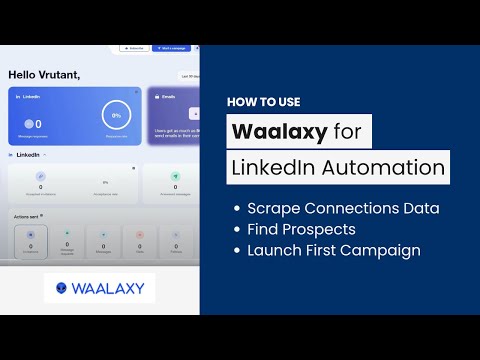 2:561:08Scrape LinkedIn search resultsShows how to search for specific titles (e.g., co-founder) on LinkedIn and use the Waalaxy extension to import those search results into a prospect list.AIMS Consulting Services
 1:152:28Importing leads from LinkedIn to WaalaxyShows the process of filtering prospects on LinkedIn (e.g., by industry or hashtag) and importing them into a Waalaxy list.Business Solution
 0:172:23Onboarding and ICP lead generation in WaalaxyThe video demonstrates the initial setup where users define their Ideal Customer Profile (ICP) by job title, industry, and location to generate a prospect list directly within the tool.Salesforge