Managing contacts and marketplace leads in Reply.io

 Reply.io
All demos from “The Only B2B Outreach Tool You Need | Reply.io Walkthrough”
- 0:430:47Managing contacts and marketplace leads in Reply.ioCurrentThe video demonstrates the contacts dashboard and the marketplace feature for finding and importing lead data.Reply.io· Build a list from ICP filters
- 2:320:44Connecting email accounts and domain safetyA walkthrough of connecting Gmail/Outlook mailboxes and configuring domain safety settings for outreach.Reply.io· Set up domains & inboxes (SPF/DKIM/DMARC)
- 3:143:53Creating an automated email sequenceThe creator shows how to build a multi-step sequence, including importing contacts from a file and setting up follow-up steps.Reply.io· Build a cold-email sequence
- 7:051:26Setting up LinkedIn automation stepsDemonstration of adding LinkedIn touchpoints and automated messaging within the Reply.io sequence builder.Reply.io· Multichannel (email+LI+call)
- Watch “The Only B2B Outreach Tool You Need | Reply.io Walkthrough” →
Build a list from ICP filters
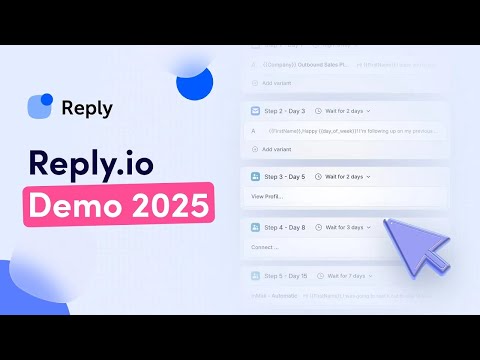 2:510:52Sourcing leads with Reply.io filtersDemonstrates using the built-in database and filters to identify target companies and prospects based on intent and firmographic data.@ReplyappIopage
- 0:430:47Managing contacts and marketplace leads in Reply.ioCurrentThe video demonstrates the contacts dashboard and the marketplace feature for finding and importing lead data.@shivamguptab2b
 7:351:25Importing contacts to a sequenceDemonstrates how to manually add or import prospect contact information including names, phone numbers, and LinkedIn URLs into a campaign.@phyluxexpress4