0:241:50Basic image adjustments in Microsoft PhotosThe user demonstrates how to crop, rotate, and adjust brightness, exposure, contrast, and saturation using the built-in Microsoft Photos editor.MMicrosoft Photos· AI Photo Editor
2:400:56Remove blemishes with Generative Erase in Microsoft PhotosThe creator uses the Generative Erase tool within Microsoft Photos to remove skin blemishes and unwanted spots from a portrait.MMicrosoft Photos· AI Object Remover/Eraser
3:400:58Background removal and replacement in Microsoft PhotosThe video shows how to use the background tab in Microsoft Photos to remove a background, blur it, or replace it with a solid color.MMicrosoft Photos· AI Background Remover
4:571:17Upscale images with Pixelcut AIThe user demonstrates uploading a low-resolution image to Pixelcut's AI Image Upscaler to increase sharpness and resolution.Pixelcut· AI Image Upscaler
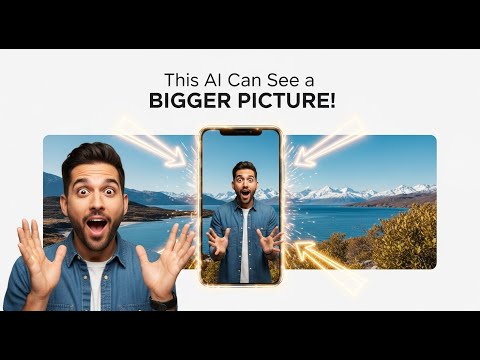
6:173:53Expand images using Pixelcut UncropThe creator uses Pixelcut's Uncrop tool to change the aspect ratio of an image to 16:9, using generative AI to fill in the missing sides of the photo.Pixelcut· AI Expand Image
10:310:38Remove background in Microsoft PaintThe video demonstrates the one-click background removal feature recently added to the standard Microsoft Paint application.Microsoft Paint· AI Background Remover

 0:241:50Basic image adjustments in Microsoft PhotosThe user demonstrates how to crop, rotate, and adjust brightness, exposure, contrast, and saturation using the built-in Microsoft Photos editor.MMicrosoft Photos· AI Photo Editor