Remove video noise with Filmora AI Video Denoise
 Filmora
Demo summary
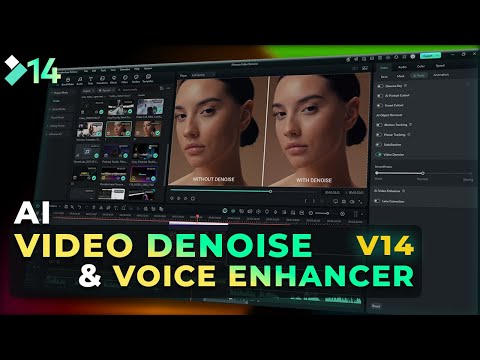
The narrator demonstrates how to import footage into Filmora, navigate to the AI tools settings panel, and use the Video Denoise slider to remove visual grain.
Step-by-step
- Launch Filmora and create a new project
- Import your footage and drag the clip into the timeline
- Go to the settings panel on the right side
- Select AI tools and scroll down to the Video Denoise feature
- Toggle the Video Denoise feature on
- Adjust the denoise level slider to your preferred intensity
Options
- Set denoise level to Weak
- Set denoise level to Normal
- Set denoise level to Strong
AI Video Enhancer
- 0:500:47Remove video noise with Filmora AI Video DenoiseCurrentThe narrator demonstrates how to import footage into Filmora, navigate to the AI tools settings panel, and use the Video Denoise slider to remove visual grain.Filmora for Creators