Upscale low-resolution images with Google Gemini

 Gemini
Demo summary
The creator demonstrates selecting the Gemini Pro model, uploading a pixelated image, and applying a reconstruction prompt to generate a high-fidelity 8K version of the original photo.
Step-by-step
- Select the Gemini Pro model
- Activate the create image tool
- Click the plus icon and select Upload file
- Upload the low-resolution image
- Paste the reconstruction prompt into the chat
- Click generate and wait for the process to complete
Options
- Use the Gemini Pro model on a free plan with lower limits
Watch out for
- The interface may get stuck on a loading screen after generation
Tips
- If the image preview is stuck loading, download the image to view the final result
- Try refreshing the page or switching chats if the interface becomes unresponsive
- Use this method for enhancing older, low-quality photos
Highlights
“The quality improvement is impressive... It turned out incredible.”
All demos from “Enhance Image Quality 15x for Free Using AI in Just a Few Minutes”
- 0:281:23Upscale low-resolution images with Google GeminiCurrentThe creator demonstrates selecting the Gemini Pro model, uploading a pixelated image, and applying a reconstruction prompt to generate a high-fidelity 8K version of the original photo.Gemini· AI Image Upscaler
- 1:510:34Enhance image quality using ChatGPTThe user uploads a low-quality image to ChatGPT and uses the same reconstruction prompt to generate an enhanced version, comparing the facial structure results to Gemini.ChatGPT· AI Image/Photo Enhancer
- Watch “Enhance Image Quality 15x for Free Using AI in Just a Few Minutes” →

AI Image Upscaler
- 0:281:23Upscale low-resolution images with Google GeminiCurrentThe creator demonstrates selecting the Gemini Pro model, uploading a pixelated image, and applying a reconstruction prompt to generate a high-fidelity 8K version of the original photo.Arthur AI
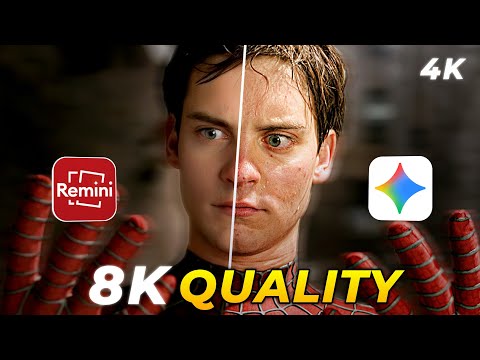 1:270:25Upscale and enhance images using Google GeminiThe user demonstrates uploading an image to Gemini and using a specific text prompt to upscale the resolution and improve clarity to 4K.Android Ultra