Create AI fashion videos from photos with Botika
 Botika
Demo summary
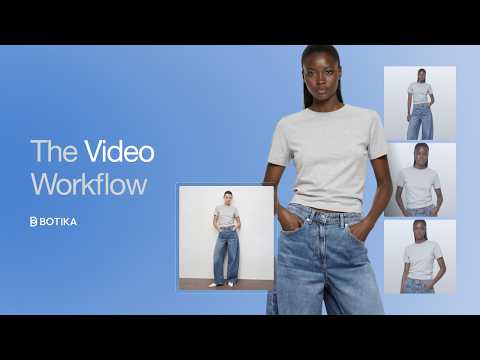
Jess demonstrates the Botika video workflow by uploading a product photo, selecting a motion template like 'runway' or 'zoom in', choosing an AI model and background, and generating a short fashion clip.
Step-by-step
- Upload a product photo (on model, flatlay, or mannequin)
- Select a motion template from the library
- Choose an AI model
- Select a background
- Click generate
Options
- Runway template
- Walk template
- Zoom in template
- Dynamic motion template
Highlights
“It's the easiest way to bring motion into your product shots or social posts.”
Image to Video
- 0:000:31Create AI fashion videos from photos with BotikaCurrentJess demonstrates the Botika video workflow by uploading a product photo, selecting a motion template like 'runway' or 'zoom in', choosing an AI model and background, and generating a short fashion clip.Botika