Generate video from image with Veo 3 on GeminiGenAI
 GeminiGenAI
Demo summary
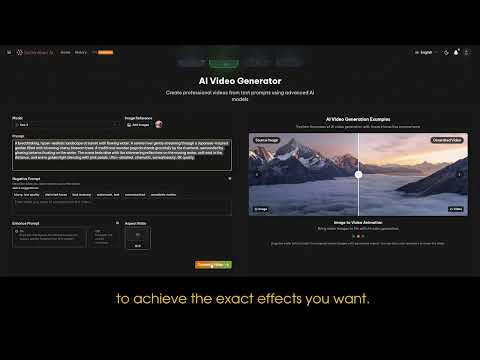
The user demonstrates the workflow of uploading an image, entering a text description, and using the Veo 3 model within the GeminiGenAI interface to generate a dynamic video.
Step-by-step
- Go to Video Gen
- Select the image you want to enhance
- Enter a detailed description for your video
- Click Generate
Tips
- Provide a more specific description to achieve the exact effects you want
Highlights
“a vivid, dynamic video created in just a few simple steps”
Image to Video
- 0:060:30Generate video from image with Veo 3 on GeminiGenAICurrentThe user demonstrates the workflow of uploading an image, entering a text description, and using the Veo 3 model within the GeminiGenAI interface to generate a dynamic video.GeminiGen AI
 0:060:20Generate video from image using GeminiGenAI and Veo 3The user demonstrates uploading an image to the GeminiGenAI platform, selecting a suggested prompt, and using the Veo 3 model to generate a dynamic video clip.GeminiGen AI