Gemini: Turn a photo into a 3D figurine
 Gemini
Demo summary
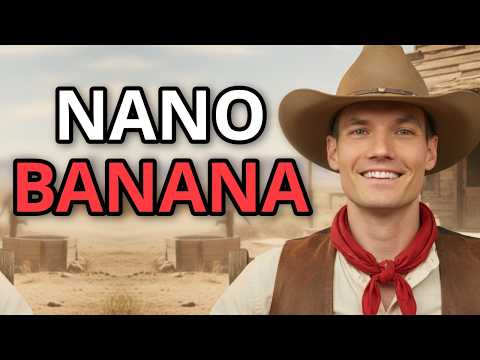
Kevin uploads a personal photo and uses a specific prompt to transform himself into a consistent 3D collectible action figure using Nano Banana.
Step-by-step
- Click the plus icon in the chat interface
- Upload, drag and drop, or paste your photo into the prompt box
- Type a prompt requesting a 1/7 scale collectible figurine on a desk with toy packaging
- Submit the prompt to generate the 3D style transfer
Options
- Upload photo via file selector
- Drag and drop photo
- Paste photo directly
Tips
- Use the specific '1/7 scale collectible figurine' prompt for viral-style results
- Compare the generated face to the original photo to verify consistency
Highlights
“I am now officially an action figure, and honestly, it's really good.”
All demos from “Nano Banana AI Tutorial | How to Use Google’s Free Tool (Step-by-Step)”
- 1:250:34Generate images from text with Nano BananaThe user navigates to the 'Create Images' tool in Google Gemini and generates a storefront image from a simple text prompt using Nano Banana.Gemini· Text to Image
- 2:040:52Iterative image editing with Nano BananaThe video shows how to refine a generated image by changing the text on a sign and adjusting the lighting/weather conditions through follow-up prompts.Gemini· AI Inpainting
- 2:560:57Turn a photo into a 3D figurineCurrentKevin uploads a personal photo and uses a specific prompt to transform himself into a consistent 3D collectible action figure using Nano Banana.Gemini· AI Style Transfer
- 3:531:00Blend images and swap environmentsThe demo shows uploading two separate images (a person and a jacket) to blend them together and then changing the background environment to an office setting.Gemini· AI Image Combiner
- Watch “Nano Banana AI Tutorial | How to Use Google’s Free Tool (Step-by-Step)” →
AI Style Transfer
 2:030:33Create a stylized self-portrait with Gemini AIThe user demonstrates uploading a personal photo to gemini.google.com along with a GTA 6 style prompt from Meigen to generate a customized character poster.AI Labs English
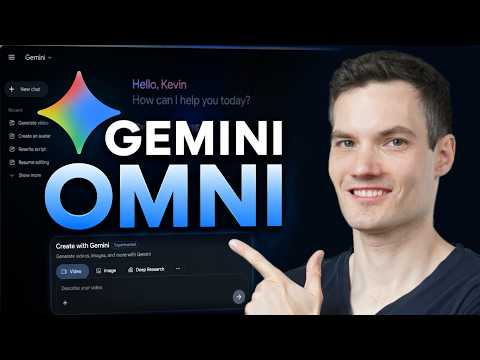 3:100:41Apply visual styles using reference imagesThe video demonstrates uploading a cartoon-style reference image to Gemini Omni to influence the aesthetic of a generated video storefront.Kevin Stratvert
- 2:560:57Turn a photo into a 3D figurineCurrentKevin uploads a personal photo and uses a specific prompt to transform himself into a consistent 3D collectible action figure using Nano Banana.Kevin Stratvert