Generate AI images with 1min.AI
 1min.AI
Demo summary
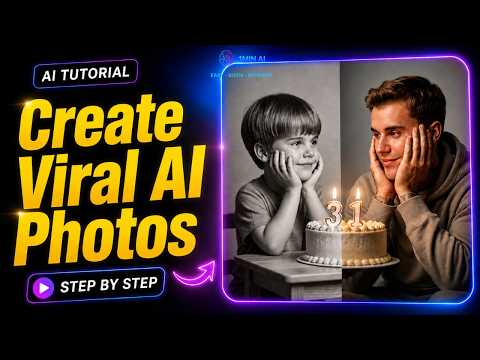
The user demonstrates selecting the Gemini 3.1 Flash model within the 1min.AI interface, configuring aspect ratios, and entering a prompt to generate a realistic image.
Step-by-step
- Go to the 1min.AI website
- Click on AI for image and select image generator
- Choose the Gemini 3.1 flash image preview model
- Set the image size to K
- Select the 4:5 aspect ratio
- Paste your prompt and click run
Options
- Click publish below the generated image
Highlights
“This is where you can create ultra realistic AI images in seconds.”
Text to Image
- 0:060:22Generate AI images with 1min.AICurrentThe user demonstrates selecting the Gemini 3.1 Flash model within the 1min.AI interface, configuring aspect ratios, and entering a prompt to generate a realistic image.1min AI