Remove image background with VisualGPT
 VisualGPT
Demo summary
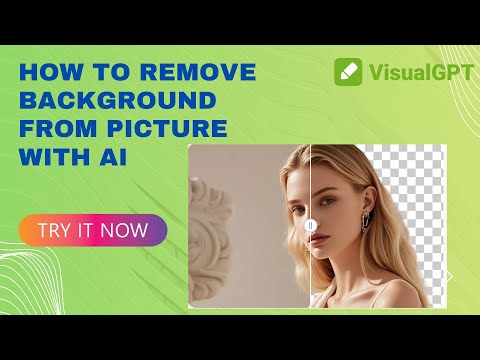
The video demonstrates uploading a photo to VisualGPT, which automatically removes the background with pixel-level accuracy to create a transparent PNG. The demo shows the tool handling fine details like hair and supporting batch uploads.
Step-by-step
- Navigate to the background remover page
- Drag your photo into the box or click the upload button
- Wait for the tool to automatically analyze and remove the background
- Download the transparent PNG
Options
- Batch upload multiple images simultaneously
Tips
- Use this tool for complex subjects like hair or fur to maintain fine detail
- Utilize the full resolution export for design or product listings
Highlights
“It's clean, crisp, and perfect for design or product listings.”
AI Background Remover
 3:311:04Remove image background with VisualGPTThe presenter uploads a previously generated image to the AI background remover tool and shows the processed result with the background successfully stripped.Build Inspire
- 0:160:40Remove image background with VisualGPTCurrentThe video demonstrates uploading a photo to VisualGPT, which automatically removes the background with pixel-level accuracy to create a transparent PNG. The demo shows the tool handling fine details like hair and supporting batch uploads.VisualGPT