Create realistic photos with Vheer AI
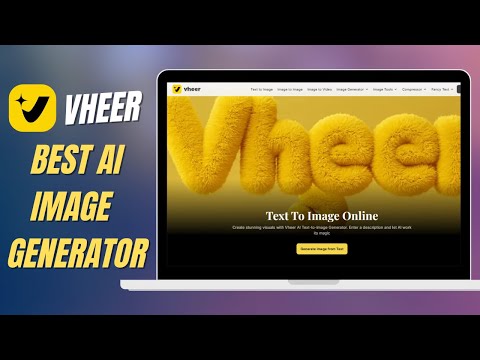
 Vheer
Vheer
Demo summary
A demonstration of using Vheer AI to generate ultra-realistic photographic images by entering specific descriptive prompts.
Step-by-step
- Enter a descriptive prompt for the realistic image you want to create
- Select your desired resolution
- Choose the aspect ratio according to your preference
- Click on the generate button
- Wait a few seconds for the image to process
Options
- Select different resolutions
- Choose various aspect ratios
Highlights
“It looks so realistic that it's hard to believe it was generated by AI.”
All demos from “Vheer AI Review – Create Mind-Blowing Images & AI Videos in Seconds”
- 0:541:07Generate AI images from text with Vheer AIThe user demonstrates entering a text prompt into Vheer AI, selecting a resolution, and generating a professional-looking image that can be downloaded.Vheer· Text to Image
- 2:010:34Adjust aspect ratio for AI image generationThe creator shows how to change the aspect ratio and resolution settings in Vheer AI before generating a second image.Vheer· AI Image Generator
- 2:490:53Create realistic photos with Vheer AICurrentA demonstration of using Vheer AI to generate ultra-realistic photographic images by entering specific descriptive prompts.Vheer· AI Realistic Image Generator
- 3:400:40Use AI prompt suggestions in Vheer AIThe video shows how to use the built-in prompt ideas feature (light icon) in Vheer AI to automatically generate creative prompts and images.Vheer· Text to Image
- Watch “Vheer AI Review – Create Mind-Blowing Images & AI Videos in Seconds” →
AI Realistic Image Generator
- 2:490:53Create realistic photos with Vheer AICurrentA demonstration of using Vheer AI to generate ultra-realistic photographic images by entering specific descriptive prompts.Zorvex Tech