Remove image background with ChatGPT
 ChatGPT
Demo summary
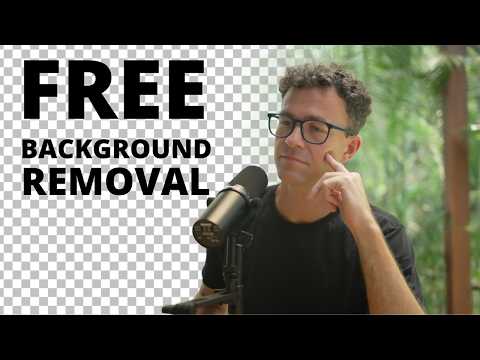
The user attempts to remove an image background using ChatGPT, resulting in a distorted image with incorrect colors and missing body parts.
Step-by-step
- Upload an image to ChatGPT
- Prompt the AI to remove the background and provide a PNG file with a transparent background
Watch out for
- ChatGPT may generate a new AI image that resembles the subject rather than editing the original photo
- The tool can distort colors and remove parts of the subject's head, glasses, or equipment
Highlights
“Honestly, I don't know what happened with the colors. It ate part of my head, my glasses, and the microphone.”
All demos from “How to Remove the Background of a Picture for Free with AI in 2026”
- 0:000:34Remove image background with ChatGPTCurrentThe user attempts to remove an image background using ChatGPT, resulting in a distorted image with incorrect colors and missing body parts.ChatGPT· AI Background Remover
- 1:210:22Remove image background with Remove.bgThe user demonstrates the Remove.bg web tool, showing the successful removal but highlighting the low-resolution limitation of the free tier.Remove.Bg· AI Background Remover
- 2:040:23Remove image background on iPhoneThe user demonstrates the built-in iOS feature where holding down on a subject in the Photos app creates a background-free cutout.Logic Pro· AI Background Remover
- 2:440:24Remove image background with Adobe ExpressThe user demonstrates uploading a photo to Adobe Express to remove the background, resulting in a high-resolution transparent image for free.Adobe Express· AI Background Remover
- Watch “How to Remove the Background of a Picture for Free with AI in 2026” →



AI Background Remover
- 0:000:34Remove image background with ChatGPTCurrentThe user attempts to remove an image background using ChatGPT, resulting in a distorted image with incorrect colors and missing body parts.TheFigCo