Wan 2.6 native audio and multi-shot output

Demo summary
A demonstration of the final output from Wan 2.6, showing 15-second clips with synchronized character dialogue, sound effects, and background music.
All demos from “One New Feature Makes Wan 2.6 Insanely Useful”
- 1:090:42Generate 15-second AI video with Wan 2.6The user demonstrates how to use the Wan 2.6 model within VEED by uploading a reference image, selecting the model, and entering a detailed text prompt to generate a video.Veed· Image to Video
- 2:170:17Wan 2.6 native audio and multi-shot outputCurrentA demonstration of the final output from Wan 2.6, showing 15-second clips with synchronized character dialogue, sound effects, and background music.WWan· AI Movie Generator
- Watch “One New Feature Makes Wan 2.6 Insanely Useful” →

AI Movie Generator
 2:180:18Multi-shot storytelling with Wan 2.6A demonstration of Wan 2.6 generating a sequence with multiple camera angles (wide shot to close-up) while maintaining character and lighting consistency in a single prompt.@TechwithTas
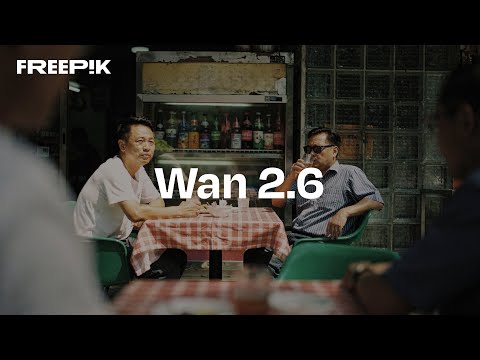 0:030:12Multi-shot video generation with Wan 2.6The video demonstrates Wan 2.6 generating a 15-second cinematic clip using scene segmentation to transition between different shots from text and image inputs.Magnific
- 2:170:17Wan 2.6 native audio and multi-shot outputCurrentA demonstration of the final output from Wan 2.6, showing 15-second clips with synchronized character dialogue, sound effects, and background music.VEED STUDIO