Multi-shot storytelling with Wan 2.6

Demo summary
A demonstration of Wan 2.6 generating a sequence with multiple camera angles (wide shot to close-up) while maintaining character and lighting consistency in a single prompt.
All demos from “Wan 2.6 — Multi-Shot AI Video That Actually Looks Real (Full Breakdown)”
- 0:000:27Wan 2.6 AI video generation showcaseThe video opens with a demonstration of Wan 2.6 generating a realistic scene of a person that was never actually filmed, showcasing high visual fidelity.WWan· Text to Video
- 2:180:18Multi-shot storytelling with Wan 2.6CurrentA demonstration of Wan 2.6 generating a sequence with multiple camera angles (wide shot to close-up) while maintaining character and lighting consistency in a single prompt.WWan· AI Movie Generator
- 3:020:26Animate still photos with Wan 2.6 Image-to-VideoThe tool is shown animating a full-body photo using a high-motion dance reference, demonstrating improved stability in clothing and background rendering.WWan· Image to Video
- Watch “Wan 2.6 — Multi-Shot AI Video That Actually Looks Real (Full Breakdown)” →
AI Movie Generator
- 2:180:18Multi-shot storytelling with Wan 2.6CurrentA demonstration of Wan 2.6 generating a sequence with multiple camera angles (wide shot to close-up) while maintaining character and lighting consistency in a single prompt.@TechwithTas
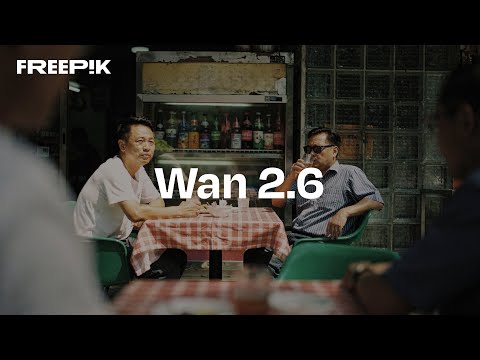 0:030:12Multi-shot video generation with Wan 2.6The video demonstrates Wan 2.6 generating a 15-second cinematic clip using scene segmentation to transition between different shots from text and image inputs.Magnific
 2:170:17Wan 2.6 native audio and multi-shot outputA demonstration of the final output from Wan 2.6, showing 15-second clips with synchronized character dialogue, sound effects, and background music.VEED STUDIO