Artguru: Automated image upscaling and sharpening
 Artguru
Demo summary
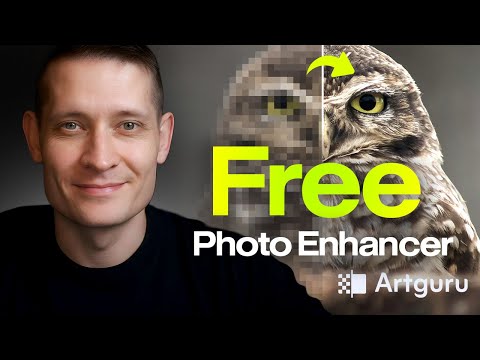
A final demonstration shows Artguru AI transforming a highly pixelated, blurry image into a sharp, detailed photo using its automated processing steps.
Step-by-step
- Upload the blurry or pixelated photo to the platform
- Wait for the automated enhancement process to complete
- Download the high-quality, sharpened photo
Highlights
“the good thing about this is we don't have to do anything. Everything is automated.”
All demos from “How to Enhance Photo for FREE with Artguru AI 2026”
- 0:231:17Enhance blurry wildlife photos with Artguru AIThe creator demonstrates uploading a noisy, out-of-focus owl photo to Artguru AI, which automatically reduces noise and sharpens details before downloading the HD upscaled result.Artguru· AI Image/Photo Enhancer
- 1:450:41Fix out-of-focus wedding portraits with Artguru AIA blurry wedding photo is processed through Artguru AI to sharpen facial features and refine skin details using the automated enhancement pipeline.Artguru· AI Unblur/Sharpen Image
- 2:350:24Recover background details in landscape photosThe user shows how Artguru AI recovers fine background details and textures in a landscape image that was previously blurred.Artguru· AI Image/Photo Enhancer
- 3:030:26Automated image upscaling and sharpeningCurrentA final demonstration shows Artguru AI transforming a highly pixelated, blurry image into a sharp, detailed photo using its automated processing steps.Artguru· AI Image Upscaler
- Watch “How to Enhance Photo for FREE with Artguru AI 2026” →
AI Image Upscaler
- 3:030:26Automated image upscaling and sharpeningCurrentA final demonstration shows Artguru AI transforming a highly pixelated, blurry image into a sharp, detailed photo using its automated processing steps.Zenzdesign
 3:080:30Upscale vector and draft images with ArtguruThe video shows Artguru upscaling a vector draft to 4K resolution, smoothing out strokes and maintaining color accuracy.Nijat Ibrahimli